Does AHA Work With Apple Home? Siri, HomeKit and Hubs
Yes. Every AHA product shows up in Apple Home, set up on every install, so an iPhone owner can run the lights, curtains, AC and locks from the Home app, and ask Siri to do it. Add a home hub such as HomePod mini or Apple TV 4K for control from outside the house, and the wall keypads keep the home running even when the internet does not.
All of it, and Siri too. Every AHA product shows up in Apple Home, and AHA sets that up on every install. How much you can then do with it is set by Apple, not by AHA: control from outside the house, sharing with family and automations all need a home hub.
A lot of smart home kit answers to its own app first and to Apple second, if at all. The useful question is not whether a brand mentions Apple, but whether its products actually turn up in the Home app.
Does AHA work with Apple Home?
Yes. Every AHA product shows up in Apple Home. The lights, curtains, AC, locks and the rest of an AHA home appear in the Home app on an iPhone or iPad, alongside any other Apple Home accessories you already own. Every AHA system is set up to work with Apple Home, so there is nothing extra to ask for, and the AHA app runs on iPhone as well.
Apple describes the Home app as "giving you control across all your Apple devices and compatible third-party accessories". AHA is one of those compatible systems, and it is also certified on Matter and Thread, open standards that Apple Home supports.
That also answers the HomeKit question. For a buyer, HomeKit and Apple Home are the same shopping list, which the guide to Apple Home and HomeKit lights in India explains, so an AHA home is HomeKit compatible in the way people mean when they search for it.
Can Siri control an AHA home?
Yes. Once AHA products are in the Home app, Siri can control them. That is how Apple designs it: its Control your home with Siri page starts with finding "accessories that work with Apple Home" and setting them up in the Home app, and then gives requests like "Turn on the lights", "Adjust the brightness downstairs to 50%" and a whole scene at once with "Siri, good night".
Two things are worth knowing before you rely on it:
- Siri needs the internet. It is a cloud service. The AHA wall keypads and the scenes on the AHA hub are not, and they keep working when the connection drops.
- Siri from outside the house needs a home hub. Asking Siri to switch something off at home while you are at the office goes through a hub, the same as any other remote control in Apple Home.
What do you need to use AHA with Apple Home?
| What | Why |
|---|---|
| An iPhone or iPad | To use the Home app |
| A home hub: HomePod mini, Apple TV 4K or HomeView | Control from outside the home, sharing with family and automations |
| The AHA system | Designed, supplied, configured and commissioned by AHA, with Apple Home set up on every install. Your electrician does the wiring |
| An internet connection | For Siri and for control from outside the home. Keypads and hub scenes do not need it |
The home hub is the line people ask about most, usually as "can I use Apple Home without a HomePod?" Apple lists controlling accessories while you are away, sharing control with others and automating them as the jobs of a home hub. Without one you lose most of what makes Apple Home worth having.
HomeView, the newest home hub from Apple, adds a screen to the same idea. What it costs in India and when it goes on sale is in Apple HomeView in India.
What does an AHA home do that Apple Home alone does not?
It keeps running when nobody touches a phone. Apple Home is one more way into the same home, not a replacement for the rest of it.
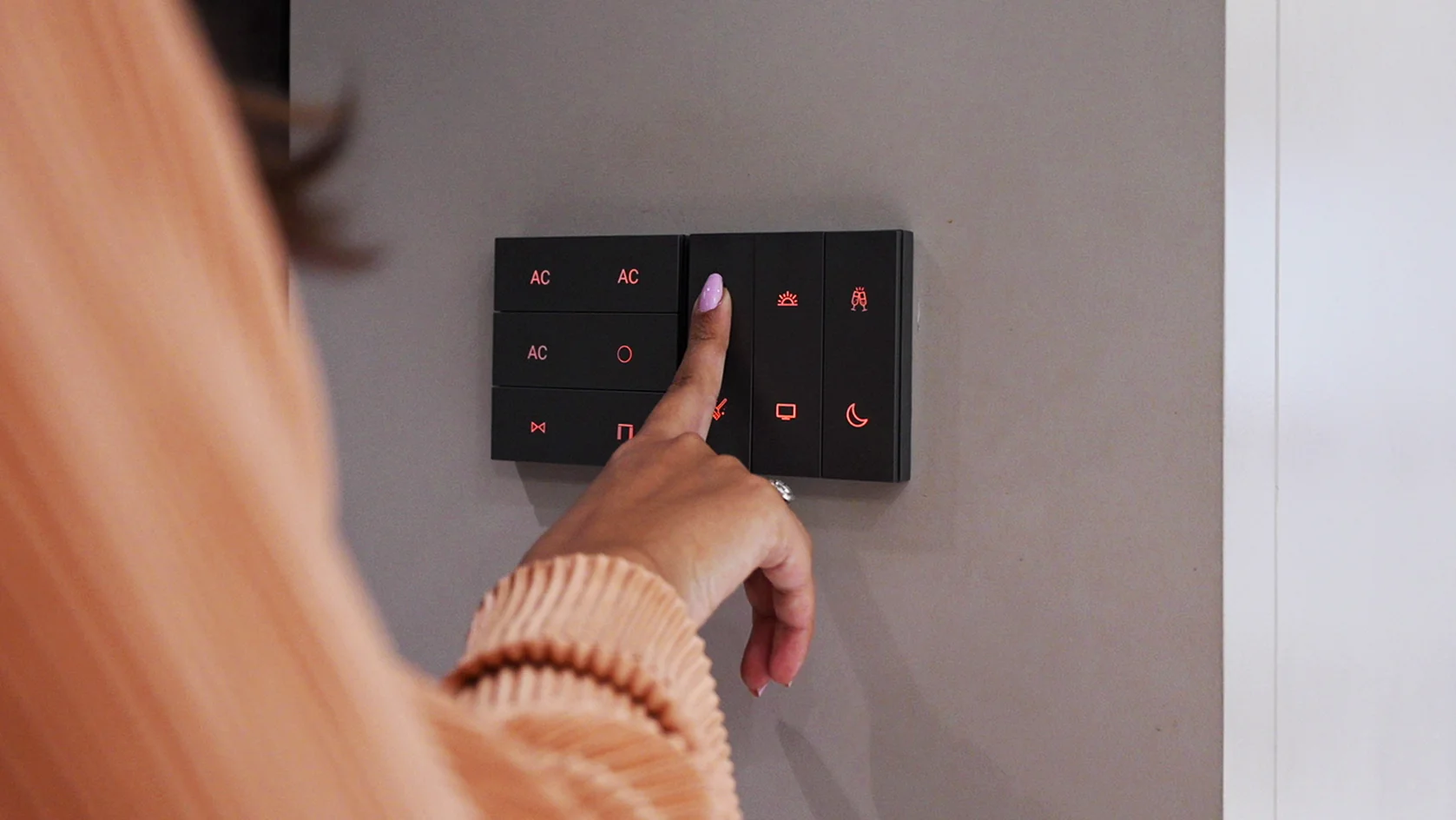
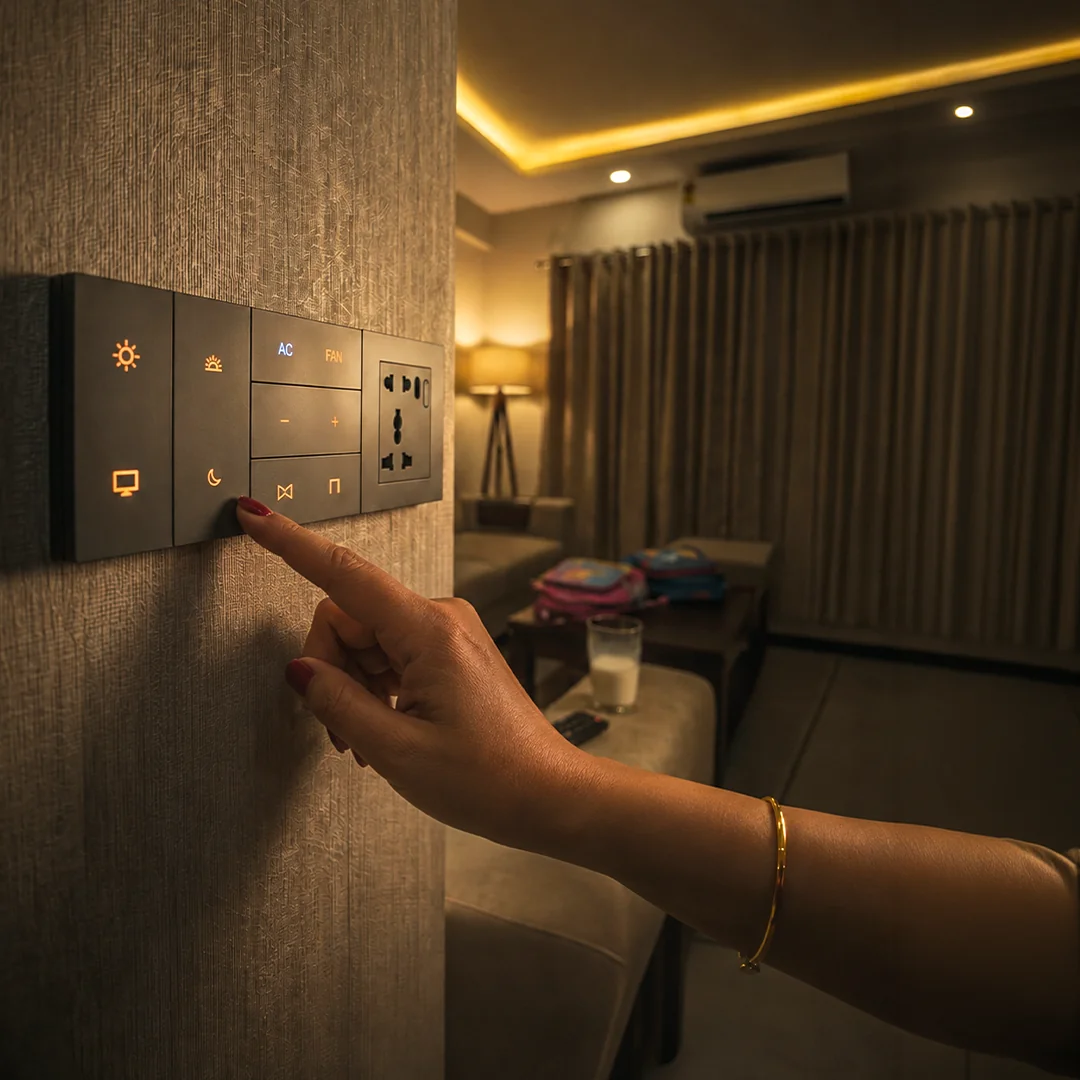
- Wall keypads. Each button on an AHA X7 keypad has three presets, a single press, a double press and a long press, and the keypads keep working without the internet. One wiring note: the X7 needs a neutral at the switch box.
- Scenes that live in the house. Every AHA scene is programmed on the AHA hub, not spread across separate apps, so it runs the same from a keypad, a schedule or a sensor, with or without the internet.
- The other phones in the family. The same system works with Google Home and Amazon Alexa, which is covered in can Android use Apple Home.
- Music. AHA ceiling speakers take AirPlay from an iPhone and run through the same hub as the lights, covered in AirPlay ceiling speakers in India.
None of this makes a phone compulsory. A voice speaker or the Home app is one way to control an AHA home, alongside the keypads and the AHA app, which is available for iPhone.
Should you build scenes in Apple Home or in AHA?
Both have a place. The scenes the whole household relies on, the morning, the night and the one that runs when the house is empty, are best kept on the AHA hub. There they run from the keypads, on schedules and from sensors, whoever is home and whether or not the internet is up.
Personal routines, the ones only one iPhone user cares about, can live in the Home app. Because AHA products are there, they can be grouped with your other Apple Home accessories into your own scenes, and into automations once you have a home hub.
What should you ask before choosing a smart home system for Apple Home?
- Does every product show up in the Home app, or only some of them?
- Is Apple Home set up for you, or left for you to do?
- Does Siri control them once they are there?
- What still works without the internet?
- Can family members on Android use the same home?
- Which home hub will you need, and do you already own one?
- Who designs and commissions it, and who does the wiring?
For an AHA home the answers are: every product; set up for you on every install; yes; keypads and hub scenes; yes; a HomePod mini, Apple TV 4K or HomeView; and AHA designs and commissions while your electrician wires.
Where does AHA fit?
AHA builds one system for the whole home: lights, curtains, climate, locks and audio on the AHA hub, X7 keypads on the walls, every product showing up in Apple Home, set up on every install, and the same system compatible with Amazon Alexa and Google Home. It is certified on Matter and Thread. AHA designs, supplies, configures and commissions it, and your electrician does the wiring.
Apple Home is part of every install, and the AHA app is on iPhone too. What an AHA home with Apple Home includes and costs is on home automation for Apple Home. How the whole system fits together is on whole-home automation systems.
What will not work, even with Apple Home?
- Siri will not work without the internet. The keypads and hub scenes will.
- Control from outside the house will not work without a home hub. Neither will shared access or automations.
- The Home app will not run on Android. Android users reach the same home through Google Home, Alexa or the wall.
- Apple Home will not wire anything. Your electrician still does, including a neutral at each X7 keypad's switch box.
The full list of what keeps working in an outage is in does a smart home work without internet, and the six ways to control a light day to day are in how to control smart lights.
What do people ask us next?
Does AHA work with Apple Home?
Yes. Every AHA product shows up in Apple Home, set up on every install, so the lights, curtains, AC, locks and the rest of an AHA home can be controlled from the Home app on an iPhone or iPad, alongside your other Apple Home accessories.
Can Siri control AHA products?
Yes. Once AHA products are in the Home app, Siri can control them, the same way it controls any Apple Home accessory. Siri needs the internet, and controlling the home from outside the house needs a home hub.
Is AHA HomeKit compatible?
Yes, in the sense buyers mean. For a buyer, HomeKit and Apple Home are the same platform, and every AHA product shows up in Apple Home.
Is there an AHA app for iPhone?
Yes. The AHA app is available for iPhone, and app access is included for life, with no subscription. It sits alongside Apple Home rather than replacing it.
Do I need a HomePod or Apple TV to use AHA with Apple Home?
For the parts most people want, yes. Apple needs a home hub, such as HomePod mini, Apple TV 4K or HomeView, to control accessories from outside the home, share control with family and run automations.
Does an AHA home still work without the internet?
Yes. Wall keypads, schedules and sensor-triggered scenes run on the AHA hub inside the home and keep working offline. Siri and control from outside the home need a connection.
Can family members with Android phones use the same AHA home?
Yes. The same system works with Google Home and Amazon Alexa, and the wall keypads, schedules and sensors work for everyone, whatever phone they carry.
Do I have to use Apple Home with AHA?
No. Apple Home is set up on every install, but using it is optional. An AHA home runs on its own hub, from wall keypads, schedules, sensors and the AHA app, and Apple Home is one more way in for the iPhone users in the house.
The short version: every AHA product shows up in Apple Home, and Siri can control them. Add a home hub for control from outside the house, sharing and automations, keep the household scenes on the AHA hub and the keypads on the wall, and the home keeps working for everyone, iPhone or not, internet or not.
Both AHA experience centres are laid out as real homes, where you can interact with lighting, security, climate and more: Santacruz West and Lower Parel, 11am to 7pm, Santacruz West closed on Tuesdays.
Book a free consultation →