Can Android Use Apple Home? How AHA Serves Both Phones
No. Apple makes the Home app for its own devices, so an Android phone cannot open Apple Home. A family with both phones does not have to choose one, though. The AHA system is compatible with Apple Home, Google Home and Amazon Alexa, and its wall keypads, schedules and sensor scenes work for everyone, whatever phone they carry.
Keep the shared things in the house, not in a phone. The iPhone users use Apple Home, the Android users use Google Home or Alexa, and the scenes everyone depends on run on the AHA hub and the keypads on the wall, where nobody's choice of phone can lock anyone else out.
Picture an ordinary Mumbai flat: one parent on an iPhone, the other on Android, a teenager on whichever was cheaper, and a grandparent who would rather use the switch on the wall.
Can an Android phone use Apple Home?
No. Apple builds the Home app for its own devices, and describes it as "giving you control across all your Apple devices and compatible third-party accessories". There is no Home app for Android, so an Android phone cannot open a home that lives only in Apple Home.
That is the trouble with a mixed family that picks one app for the whole house. Whoever carries the other phone is left out, of the app at least, and usually of the routines built inside it.
Can Apple Home and Google Home work together?
Not as one app, but a device can belong to both. Apple Home and Google Home are separate. Neither opens the other, and a scene built in one does not appear in the other.
What connects them is the device. Matter, the open standard co-developed by Apple, Google, Amazon and more than 300 other companies, has a feature called Multi-Admin. In the words of Amazon's guidance on the standard, "a Matter device can be part of multiple fabrics simultaneously", a fabric being one ecosystem's own network of control. That is how the same light can sit in one person's Home app and another person's Google Home at the same time.
It is worth checking device by device rather than assuming. A Matter logo tells you a device can join more than one ecosystem. It does not promise that every feature looks the same in each app.
How does one AHA home work for a family with both phones?
Each person keeps the assistant they already have, and the house does the rest. AHA products show up in Apple Home on an iPhone, and the same system is compatible with Google Home and Amazon Alexa, so nobody is asked to change phones to live in the same home.
| Who | How they control the home |
|---|---|
| On an iPhone | Apple Home, where AHA products show up in the Home app they already use, or the AHA app for iPhone |
| On Android | Google Home or Amazon Alexa |
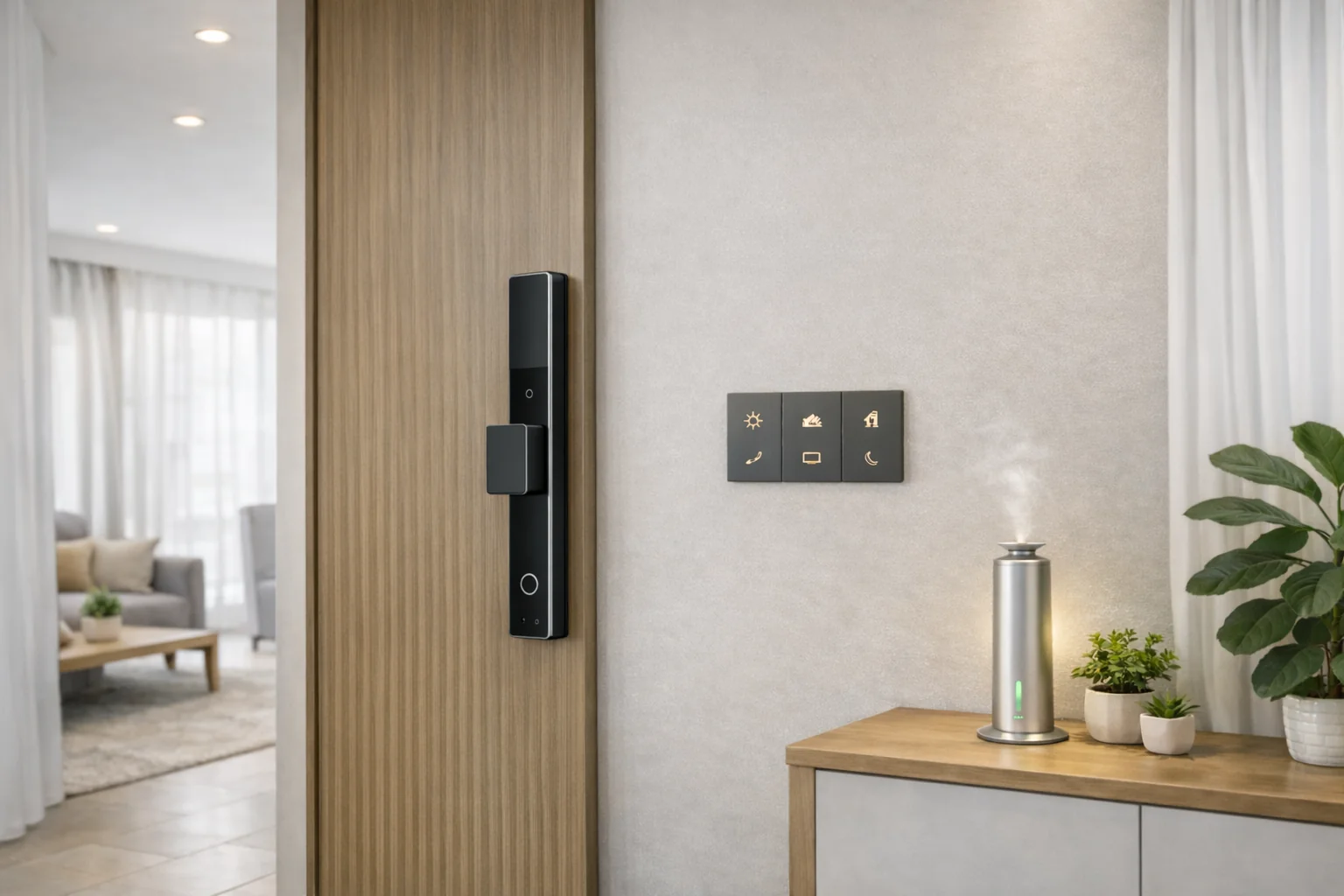
| Without a phone | The X7 keypads on the wall: three scenes per button, from a single press, a double press and a long press |
| Everyone, without lifting a finger | Schedules and sensor-triggered scenes running on the AHA hub |
The last two rows matter most in a mixed household, because they do not depend on anyone's phone. Every AHA scene is programmed on the hub inside the home, not spread across separate apps, so the evening scene is the same whoever starts it, and it keeps working when the internet does not.
That is also what makes a home work for the people who will never install an app at all: a parent who wants the light switch where it has always been, and the help who comes in while you are out. Both are covered in what to automate in a parent's home and coordinating house help when you are not home.
Which controls work without anyone's phone?
The wall keypads, the schedules and the sensors.
- Keypads. Each button on an AHA X7 keypad can run three different scenes, and the keypads keep working when the connection drops. One wiring note: the X7 needs a neutral at the switch box.
- Schedules. Things that should happen at the same time every day just happen, the way Pooja Mode brings the mandir lights on by themselves each morning.
- Sensors. Presence sensors start a scene when someone walks into a room, so the right light comes on for whoever arrives, phone or no phone.
Voice is the exception. Siri, Google Assistant and Alexa are cloud services, so voice control needs the internet. Everything above runs on the AHA hub in the home and does not. The full picture is in does a smart home work without internet.
Should a mixed family pick one ecosystem?
Not for the house. Pick by person, and let each phone keep its own assistant. What a mixed family should avoid is building the shared routines inside one person's app, because then they belong to that phone and that login, and they leave the house when that person does.
Put the routines everyone relies on, the morning scene, the night scene and the one that runs when the house is empty, where everyone can reach them: in the system and on the wall. Personal shortcuts can live in personal apps.
What should a mixed family check before buying smart devices?
- Both platforms. Does it work with Apple Home and with Google Home or Alexa, or carry the Matter logo?
- A way in without a phone. A switch, a keypad or a button for the people who will not use an app.
- The offline answer. What still works when the internet is down.
- Where the routines live. In the system itself, or inside one person's app.
- A second ecosystem. For a Matter device, whether it can be added to more than one app at once.
For lights in particular, the platform question is only half of it. Which part of a light to make smart, the bulb, the switch or the driver, is in Apple Home and HomeKit lights in India.
Where does AHA fit?
AHA builds one system for the whole home: lights, curtains, climate, locks and scenes running on the AHA hub, X7 keypads on the walls, compatible with Apple Home, Amazon Alexa and Google Home, and certified on Matter and Thread. AHA designs, supplies, configures and commissions it, and your electrician does the wiring. How it works with Apple Home and Siri in detail is in does AHA work with Apple Home.
Music works for both phones too. AHA ceiling speakers take AirPlay from an iPhone and Spotify Connect from any phone, which is covered in AirPlay ceiling speakers in India. What a whole day in a home like this feels like is on AHA experiences.
What will not carry across phones?
- The Home app will not run on Android. Android users reach the home through Google Home, Alexa or the wall.
- A scene built inside one app will not appear in another. Build shared routines in the system, not in a personal app.
- Voice will not work without the internet. Keypads, schedules and sensors will.
- A Matter logo will not make every app identical. It makes a device able to join more than one; how each app presents it is up to that app.
What do people ask us next?
Can Android use Apple Home?
No. Apple makes the Home app for its own devices, such as iPhone, iPad and Mac, and there is no Android version. An Android user in the same home uses Google Home or Amazon Alexa instead, or the switches and keypads on the wall.
Can Apple Home and Google Home work together?
They stay separate apps, and a scene built in one does not appear in the other. A device can belong to both: Matter has a Multi-Admin feature that lets one Matter device be part of more than one ecosystem at the same time, so an iPhone user and an Android user can control the same device.
Does AHA work with both Apple Home and Google Home?
Yes. AHA products show up in Apple Home on an iPhone, and the same system is compatible with Google Home and Amazon Alexa, so each person in a family can use the assistant they already have. The wall keypads, schedules and sensor-triggered scenes work for everyone, whatever phone they carry.
How do family members without a smartphone control an AHA home?
From the wall. Each button on an AHA X7 keypad can run three different scenes, with a single press, a double press and a long press, and schedules and presence sensors run the rest without anyone touching anything.
Do AHA scenes belong to one person's phone?
No. Every AHA scene is programmed on the AHA hub inside the home rather than in one person's app, so it runs the same whoever starts it, from a keypad, a schedule, a sensor or a voice assistant.
What still works without the internet?
Keypads, schedules and sensor-triggered scenes keep working without the internet, because they run on the AHA hub inside the home. Voice assistants are cloud services, so voice control needs a connection.
The short version: an Android phone cannot use Apple Home, and a mixed family does not need it to. Let each person use Apple Home, Google Home or Alexa, keep the routines everyone relies on in the AHA hub and the keypads on the wall, and the home works the same for whoever walks in, with or without a phone.
Both AHA experience centres are laid out as real homes, where you can interact with lighting, security, climate and more: Santacruz West and Lower Parel, 11am to 7pm, Santacruz West closed on Tuesdays.
Book a free consultation →