Managing Your Mumbai Home Remotely While You Travel
You can run a Mumbai flat from another city through one app: lock and unlock the door, make the flat look lived-in, keep it dry through the monsoon and check it from your phone. It all depends on the home's internet staying on; if it drops, the flat keeps running but you cannot check in until it is back.
Remote control works well from another city or country, through one app, as long as the internet at home stays on. If it drops, the automations at home keep running, but you cannot check in until it is back, so a steady connection comes first. After that, four things do most of the work: a one-tap routine for leaving, a mode that makes the flat look lived-in, alerts from the cameras and sensors, and codes that let the house help in without a key.
A family that lives in their flat all year notices the scenes and the daily automations.
A family that spends four months abroad, or travels every few weeks, notices something else. They can lock the door from the airport, see who rang the bell while they were asleep in another timezone, and let the maid in on Tuesday without couriering a key to a cousin.
This guide is for that reader. It assumes the flat is a main home in Mumbai, not a holiday house you visit twice a year, though almost everything here applies to a second home too, and more urgently. It starts with the part most articles skip.
Why does a steady internet line come first?
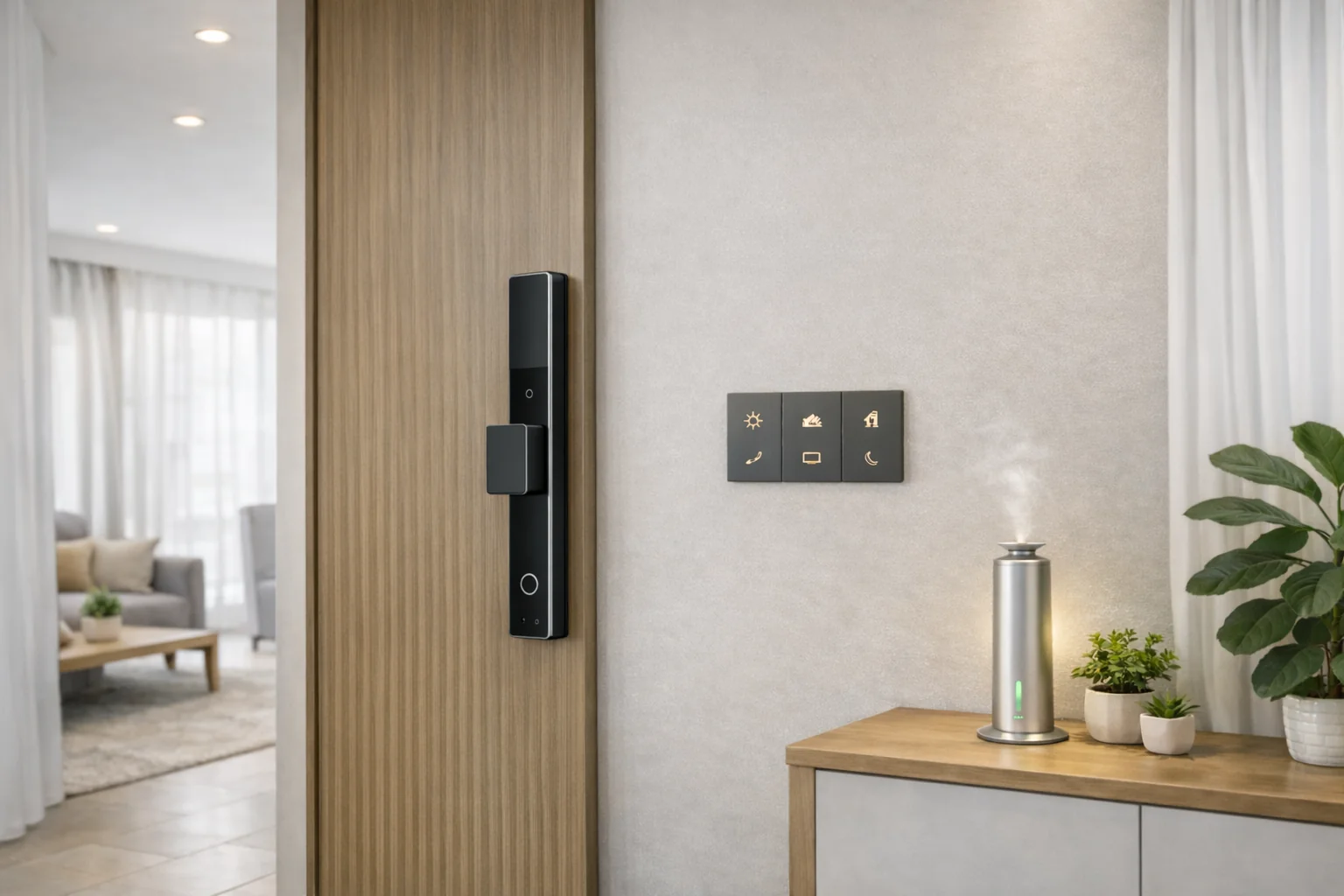
An AHA system runs its automations on a hub inside the home. The hub does everything locally, on a network kept separate from your Wi-Fi, so the scenes, schedules and sensor triggers keep working when the internet drops.
Remote control is different. To open the app in Dubai and check a camera, both ends need a connection: your phone's data, and the broadband at the flat. There is no way around that, because the request has to reach the house.
So the first step is not a device. It is a line into the building you can rely on. Two things help:
- A 4G backup router Keeps the home online if the main line fails
- A battery backup (UPS) on the router Keeps it running through a short power cut
If the flat sits empty for weeks, this is worth the small monthly cost. If your trips are a week at a time, a normal connection is usually fine, and the local automations cover you for a short outage anyway.
What should one tap on the way out do?
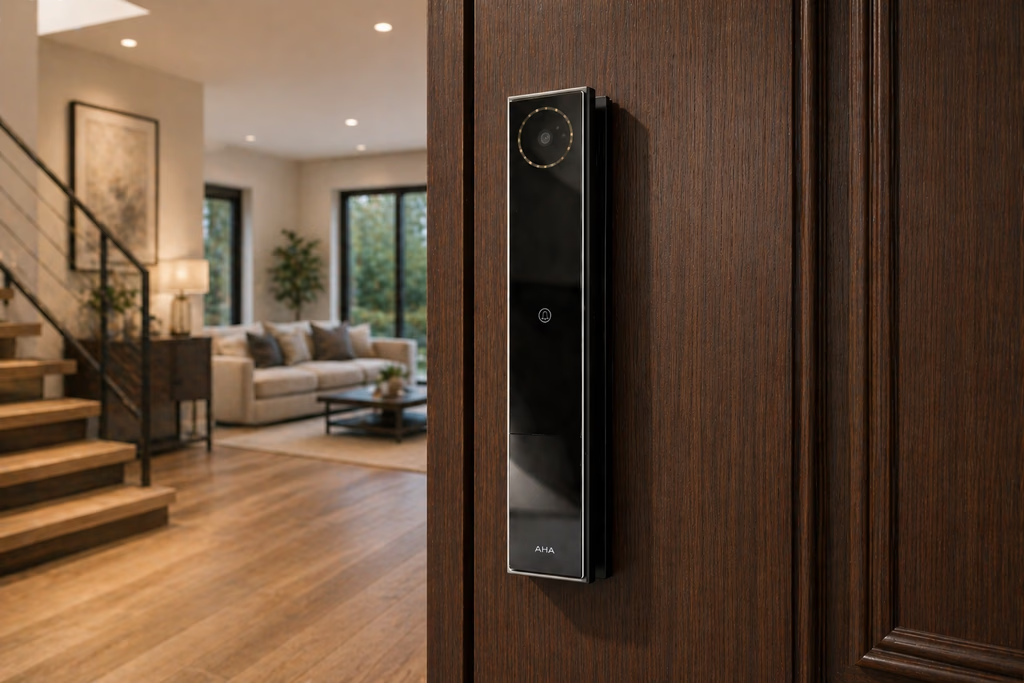
A departure routine replaces the checklist you run at the door and usually get wrong. One Goodbye scene, from the wall switch, the app, or your phone as you leave the building, does it all at once:
- Every door Locks, including inside and wardrobe locks
- Lights and fans Off
- Curtains Closed
- Air conditioning Off, or held at a low setting
- Sensors Armed, so any movement inside alerts your phone
Because it is one tap, you can run it again after you have left. Landed and not sure you locked the balcony door? Open the app, tap Goodbye, and every lock checks itself again.
How do you make the flat look lived-in?
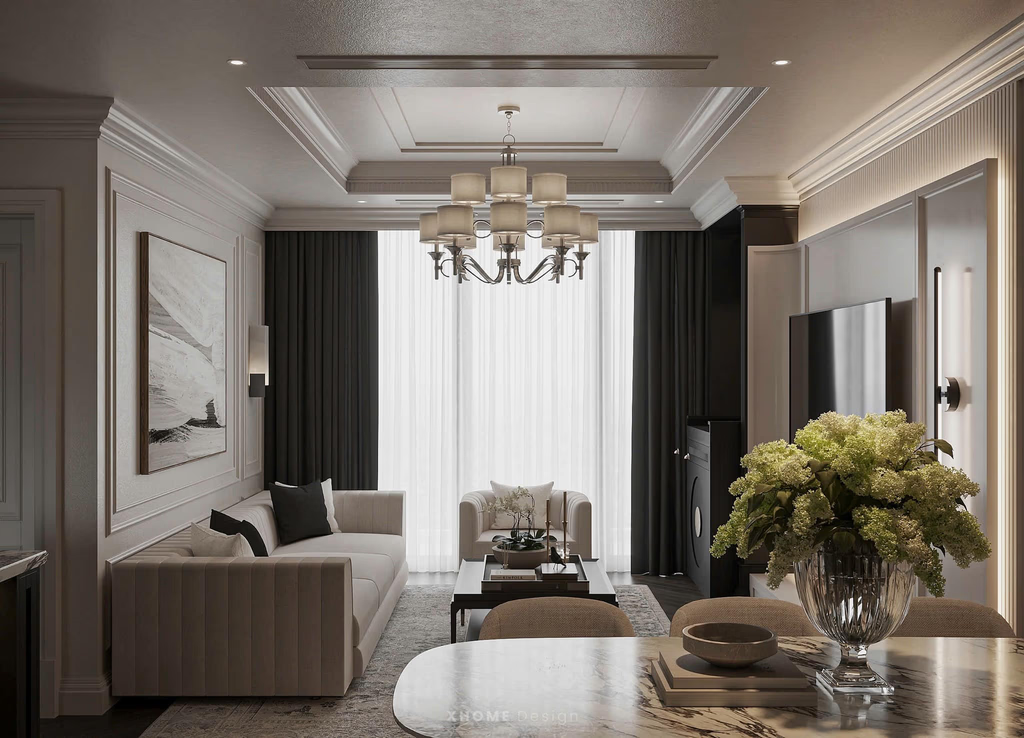
An empty flat gives itself away. The curtains never move, no light ever comes on, and within a week the whole floor knows. Breaking that pattern is the most useful thing a smart home does while you are away.
A vacation mode runs the lights and curtains on a believable schedule instead of a fixed one. The curtains open sometime between 7 and 8 in the morning and close around dusk. A lamp comes on in the evening and goes off late. The timing shifts a little each day, so it does not look like a timer.
That matches standard crime-prevention advice, which is to copy your normal routine: lights on "in the lounge, dining room and kitchen when it gets dark, timed to go off one by one at the time you would normally go to bed." It is not foolproof. But a flat that behaves like an occupied flat is a far less tempting target than one clearly shut for a month.
What can you check from your phone?
Most of the peace of mind while travelling is just information: knowing the flat is fine, instead of hoping it is. You get three kinds.
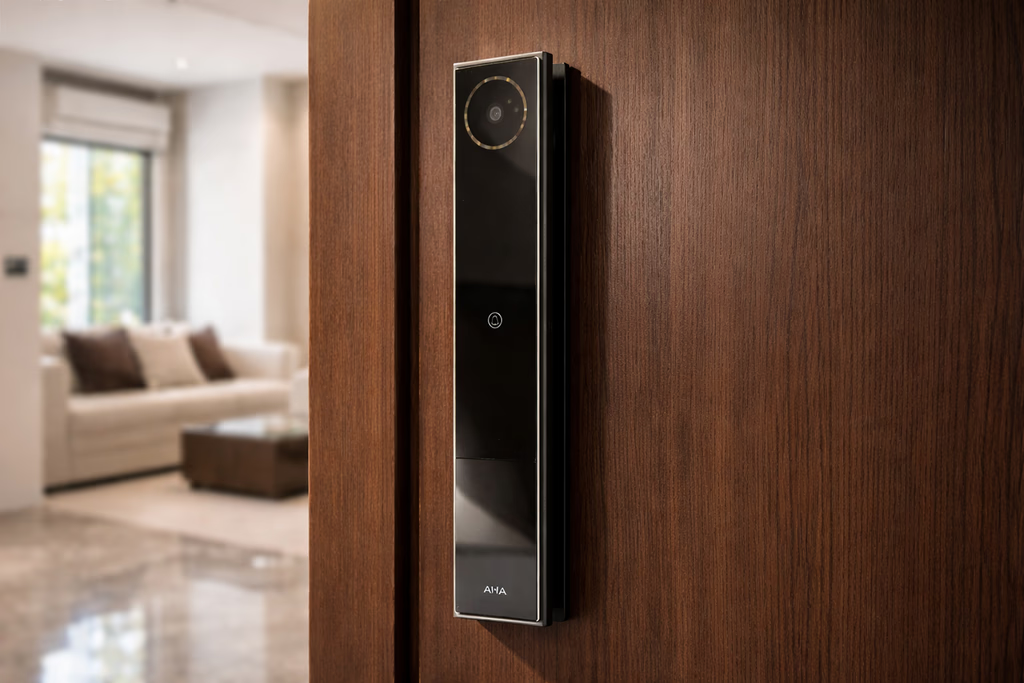
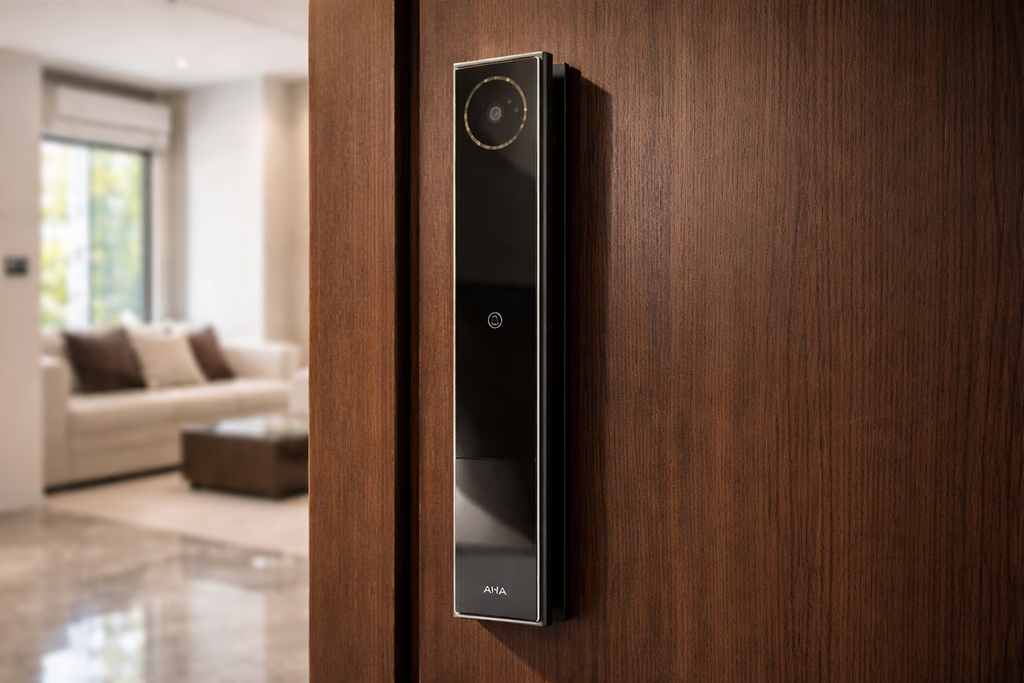
The front door. The smart lock logs every entry, who and when, and its camera turns on when the bell rings. You get a phone alert each time the lock is used, so an entry at 2pm when nobody should be there is something you know about at once, not on your return.
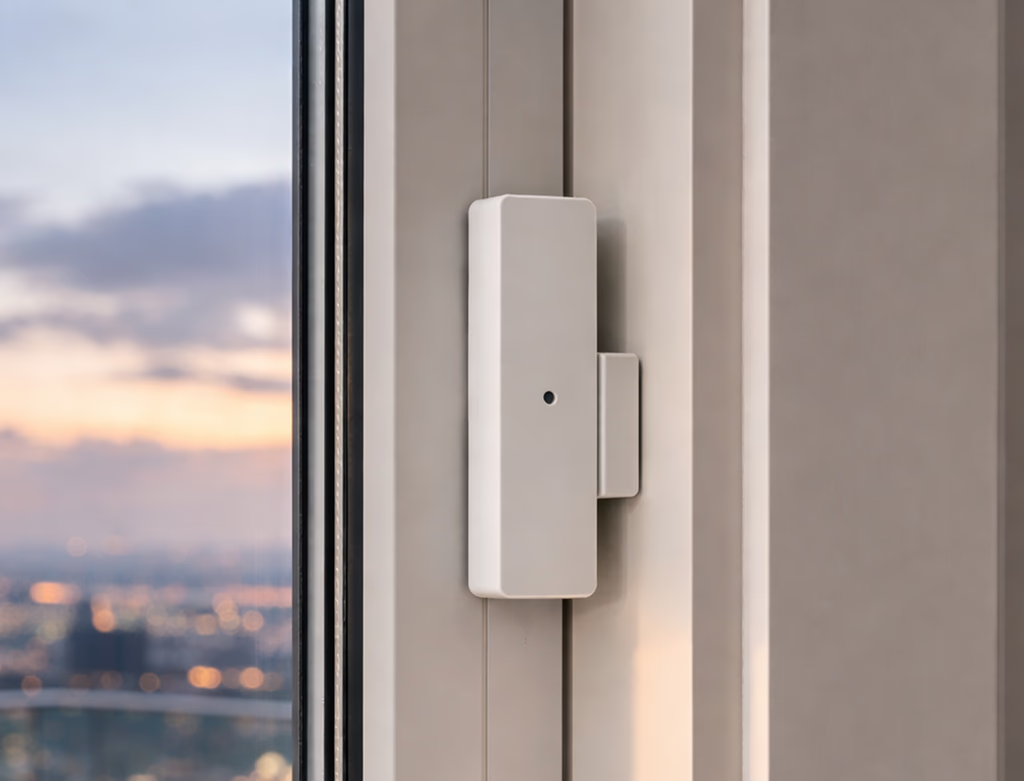
Movement inside. With the home armed, a sensor that trips sends an alert. If someone forces the door, the lock sounds a 30-second alarm and messages your phone.
The state of the flat. Temperature and presence sensors let you check from the app that the flat is not sitting at 34 degrees with the windows shut, and that nothing is moving in a home that should be still.
The access problem is the one most NRIs actually lose sleep over. Who holds a key. What happens when the house help changes. Whether a relative can let a plumber in. Scheduled codes solve all of it without anyone holding a key.
How do you let people in without a key?
This is the feature that changes how a remote household runs. The smart lock takes a fingerprint, a face, a keypad code or an NFC card, and each one can be limited:
- House help A code that works only 9am to 12pm on weekdays
- A one-off visitor A single-use code you send on WhatsApp that expires after one entry
- Family A fingerprint or NFC card, permanent, with its own entry log
Every entry is logged, so you can see the maid arrived at 9:10 and left at 11:40 while you were on a call in London. When someone stops working for you, you remove their access from the app in seconds. No lock change, no key to chase. For more on the access methods, see our smart lock buyer's guide.
How do you keep the flat dry through the monsoon?
A closed Mumbai flat in July is a humidity problem. Left alone for a month, cupboards smell of damp, leather gets spotted, and a north-facing wall can bloom with mould. It is not only a smell: the World Health Organization's guidelines on indoor air advise that "persistent dampness and microbial growth on interior surfaces and in building structures should be avoided or minimized, as they may lead to adverse health effects." You can manage this from your phone.
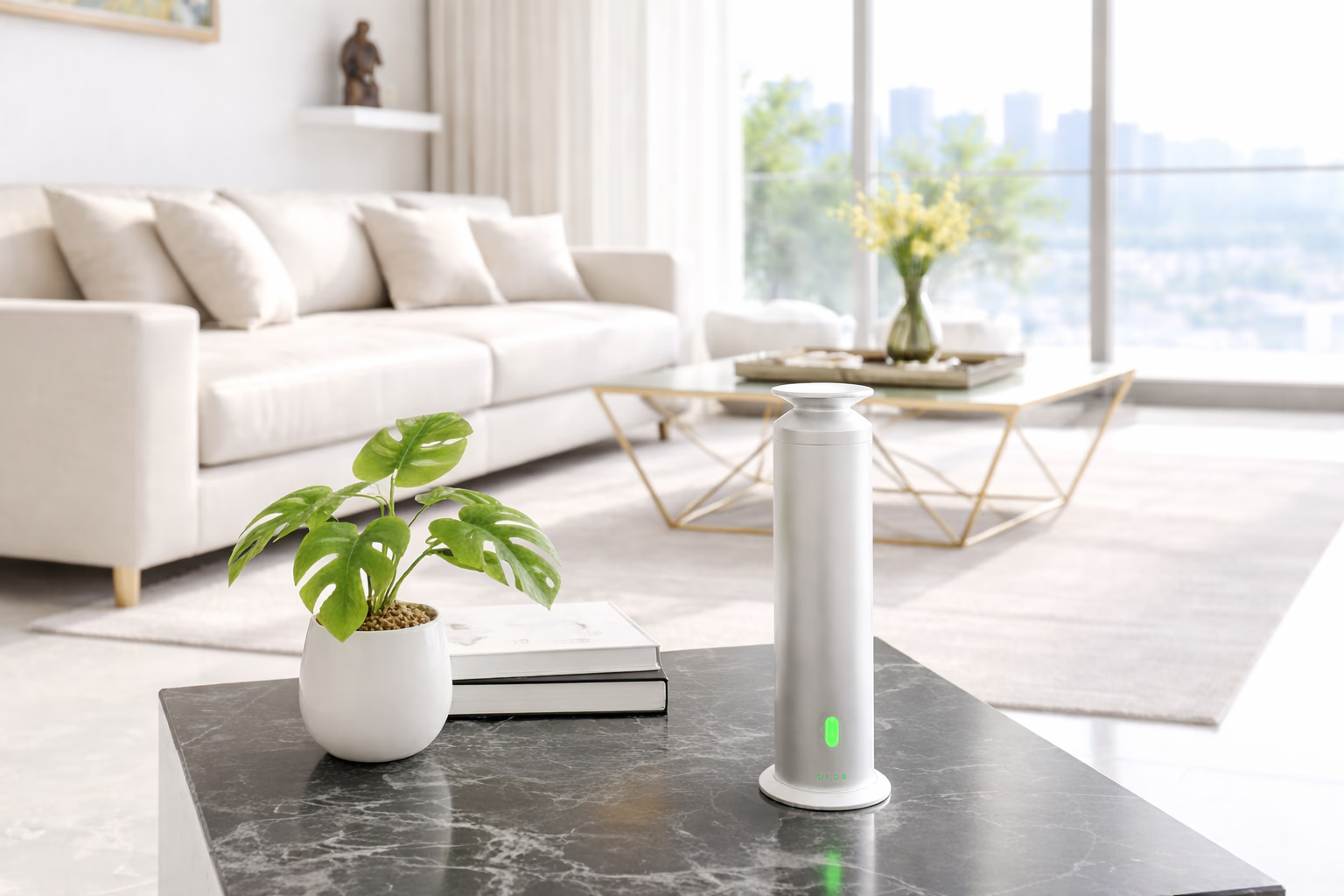
Run the air conditioner in dry mode for an hour a day, or the bathroom and kitchen exhaust fans on a timer, to pull moisture out. An aroma diffuser on a light schedule keeps the air fresh, so you do not walk into a shut-up smell after a long flight. None of it needs you there, and you can check from the app that it ran.
How do you come home to a ready flat?
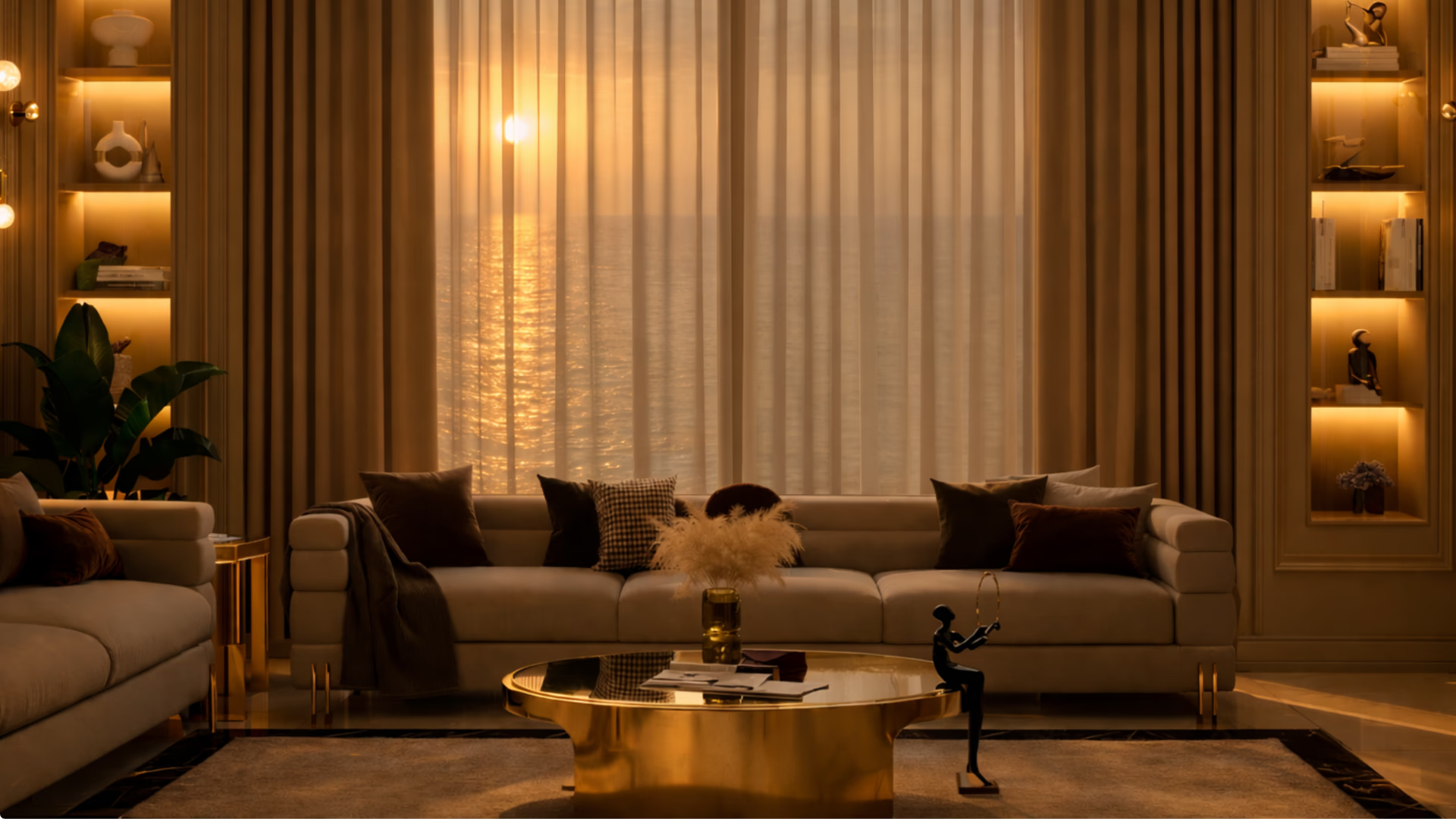
The reverse of the departure routine. A day before you land, or from the taxi, start a coming-home scene. The air conditioning begins cooling the flat, in whichever mode the scene is set to. The curtains open. The lights come up to a normal evening level. Instead of walking into a hot, dark box after 18 hours of travel, you walk into a home.
The full version, tied to your smart lock so it fires the moment you open the door, is Grand Welcome.
What happens if something breaks while you are away?
This is the real worry, and a fair one. A device fails while you are abroad, and arranging an electrician, a technician and a building visit from another country sounds exhausting before you start.
This is where one company for the whole system matters. There is one number to call, not three. About 95 per cent of the issues that do come up are fixed remotely, over phone or WhatsApp, in under 30 minutes. A technician can push a fix, re-pair a device or change a scene without anyone entering the flat.
If real physical work is needed, it is scheduled with your electrician for when someone can be there. The first year of support is included, and an annual plan is available after. It is worth checking who does the service for a Mumbai home before you buy. Our home automation company in Mumbai page covers that.
One more thing, on the account itself. If you are going to view cameras and unlock doors from abroad, the login matters as much as the hardware. AHA says customer data is encrypted and not shared, and that its team only accesses your system with your permission. Your part is simple: a strong, unique password, two-factor login where it is offered, and access removed for anyone who no longer needs it.
What can you not do from another city?
- Fix anything physical. A loose wire, a failed fitting or a leak needs someone in the flat. Remote support covers settings, pairing and scenes, not hands.
- See through a dead internet line. The flat keeps running its schedules without the internet, but you cannot check in or change anything until the line is back.
- Run anything in a long power cut. The hub runs on mains power, so in a power cut the scenes stop until power returns, and the flat picks up again on its own afterwards.
- Replace a trusted person nearby. Someone in Mumbai with a code of their own, a neighbour, a relative or your building manager, is still the best plan for anything the app cannot reach.
What do people ask us next?
Can I control my Mumbai home from another country?
Yes, through the app, as long as the internet at home is on. Local automations, schedules and sensor-triggered scenes keep running during an outage, but remote control and camera viewing only come back when the connection does.
What happens if the internet at home goes down while I am away?
Scenes, schedules, sensor automations and the locks keep working, because the hub runs them inside the home. What you lose is the ability to check in or change anything remotely until the line is back. A 4G backup router is worth it if the flat will be empty for long stretches.
How do I let my house help in while I am travelling?
Set a code on the smart lock that only works in the hours you choose, for example weekday mornings. The entry log shows when it was used, and you can cancel it from your phone any time. No spare key is needed.
Is it safe to have cameras I view from abroad?
AHA says the feed is encrypted and customer data is not shared with third parties, and that its team only accesses your system with your permission. Use a strong app password and turn on two-factor login where it is offered.
Can I make the flat look occupied while it is empty?
Yes. A vacation mode runs the lights and curtains on a believable pattern that shifts a little each day, rather than the same times every day. A flat that behaves like a lived-in flat is the main deterrent value while you are away.
What if something stops working while I am away?
It is one system supported by one team, so about 95% of issues are fixed remotely over phone or WhatsApp in under 30 minutes, with no visit. If real physical work is needed, it is scheduled with your electrician for when someone can be there.
Managing a home remotely is less about controlling it from far away and more about not needing to. A departure routine, a lived-in mode and scheduled access mean the flat runs itself for weeks. The app is there for when you want to look, not because you have to.
If you are planning automation around long trips, design the leaving and arriving routines properly rather than adding them later. Our remote home control page covers the away-focused setup, and whole home automation covers the full system. Both experience centres, in Santacruz West and Lower Parel, run these scenes live, open 11am to 7pm (Santacruz West is closed on Tuesdays).
Book a free consultation →New to this? What Is Home Automation explains the hub and how the local-versus-cloud split works.