What to Automate in a Parent's Home, and What to Skip
Start with a light that comes on by itself on the way to the bathroom at night, then wall switches that need no phone, a front door that opens without a key, and fans and AC that need no remote. Skip anything your parent would have to learn, and treat none of it as a replacement for care.
Automate what your parents already do, not what the system can do. In order of value: a light on the way to the bathroom at night, wall switches that work without a phone, a front door that opens without a key, and fans and AC they do not have to hunt a remote for. All of it has to keep working when the internet is down. The app is for you, not for them.
Most families start planning this after a small scare.
A stumble on the way to the bathroom. A doorbell nobody heard. One more house key handed out. A phone call where a parent mentions the fan remote has gone missing again. The first instinct is to buy a gadget.
The mistake is building the home around your comfort with technology instead of your parents'. You add an app, a few clever scenes and a name for every routine, and six weeks later half of it is unused and one switch has been taped over.
This guide is about the parts that actually get used. It assumes your parents live in their own flat, alone or with a helper, and that an adult child is in another city or another country. If your parents live with you, most of this still applies, but the parts about helpers and remote support will matter less.
Why start with the walk to the bathroom at night?
If you do only one thing, do this. Falls are the second leading cause of unintentional injury deaths worldwide, and according to the World Health Organization, "adults older than 60 years of age suffer the greatest number of fatal falls." A dark walk at 2am is exactly where one happens.
Your parent wakes at 2am and needs the bathroom. They do not turn on the ceiling light, because it wakes the whole flat and their eyes take minutes to recover. So they walk in the dark, half asleep, past a chair that was moved that afternoon.
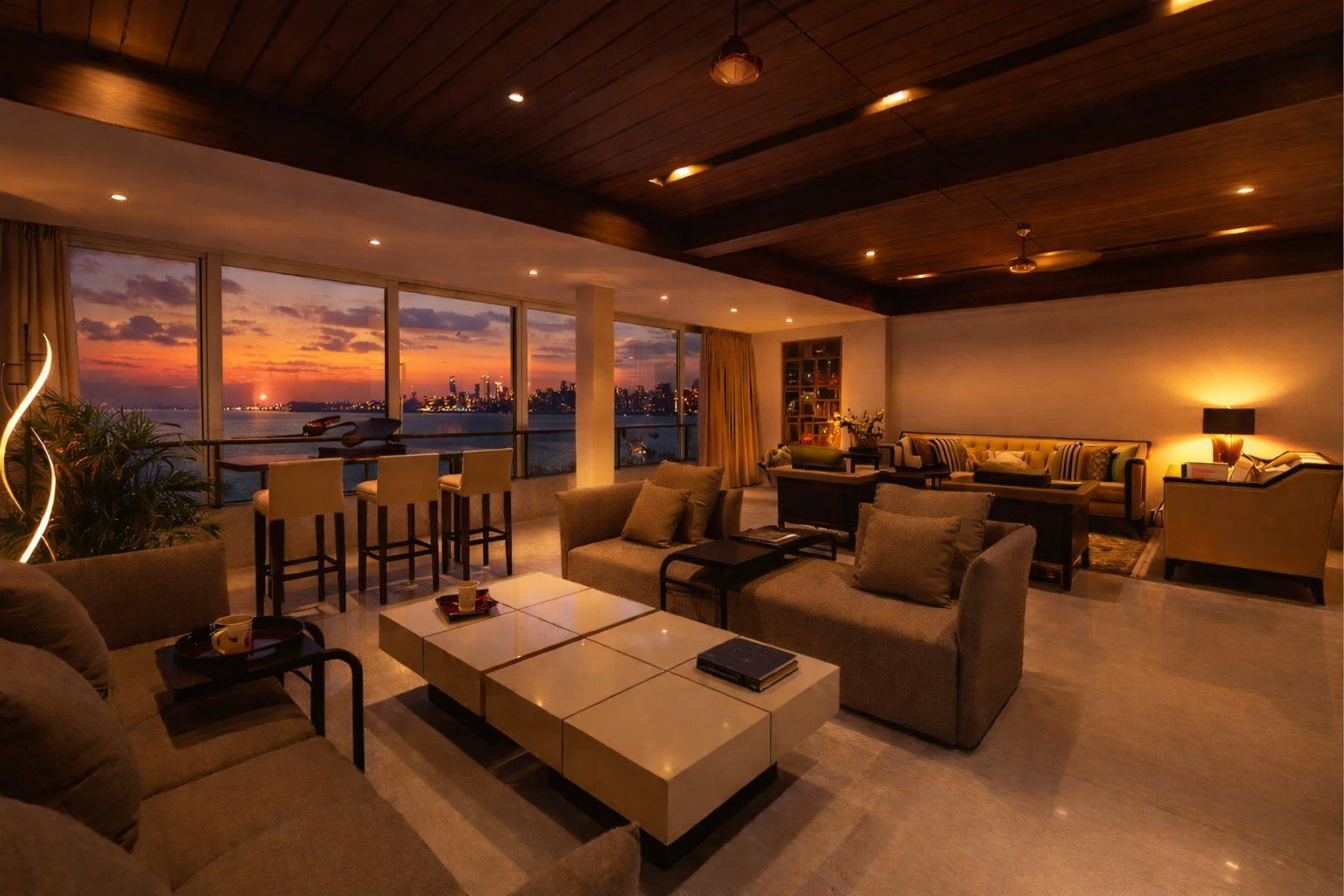
The fix is a motion sensor by the bed. The moment their feet touch the floor, a soft low light comes on: an under-bed strip, a bedside lamp, or a dim ceiling light. Bright enough to see the way, not bright enough to wake anyone. This is the Midnight Walk scene, and it is the thing families ask us for most.
The bathroom needs a different kind of sensor. A normal motion sensor turns the light off when it stops seeing movement, so it goes dark on someone standing still at the basin. A human presence sensor can tell a person is there even when they are still, and holds the light until they leave. It needs wiring, so it is planned in, not stuck on the wall.
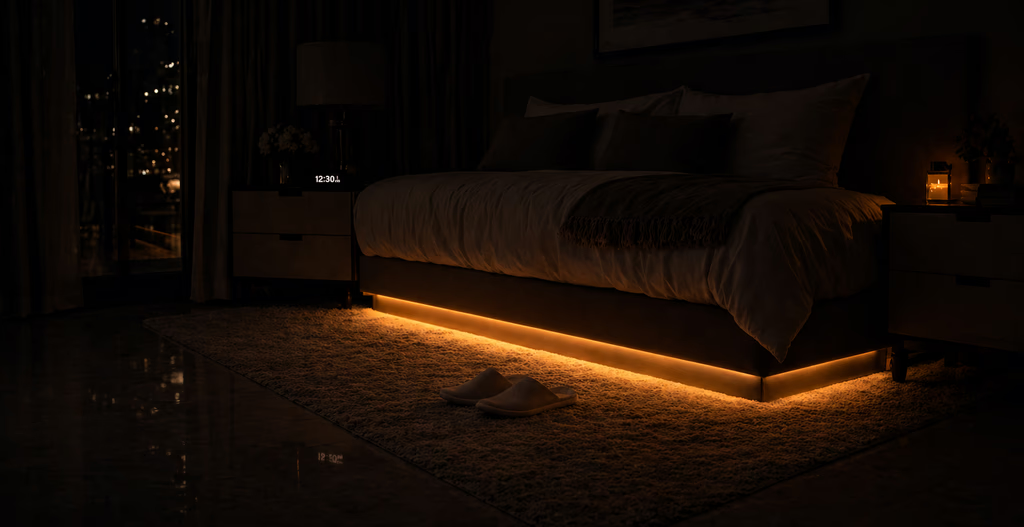
Set the brightness with your parent standing in the room at night, not from a number on a chart. What looks comfortably dim to you at 40 can be too dark at 70. Older eyes need more light and take longer to adjust to the dark.
Once this is in, the rest of the lighting can follow the time of day on its own: bright through the day, warmer in the evening, and down to the low night setting after about 9pm. The bathroom exhaust fan can run on the same schedule. Nobody sets any of it.
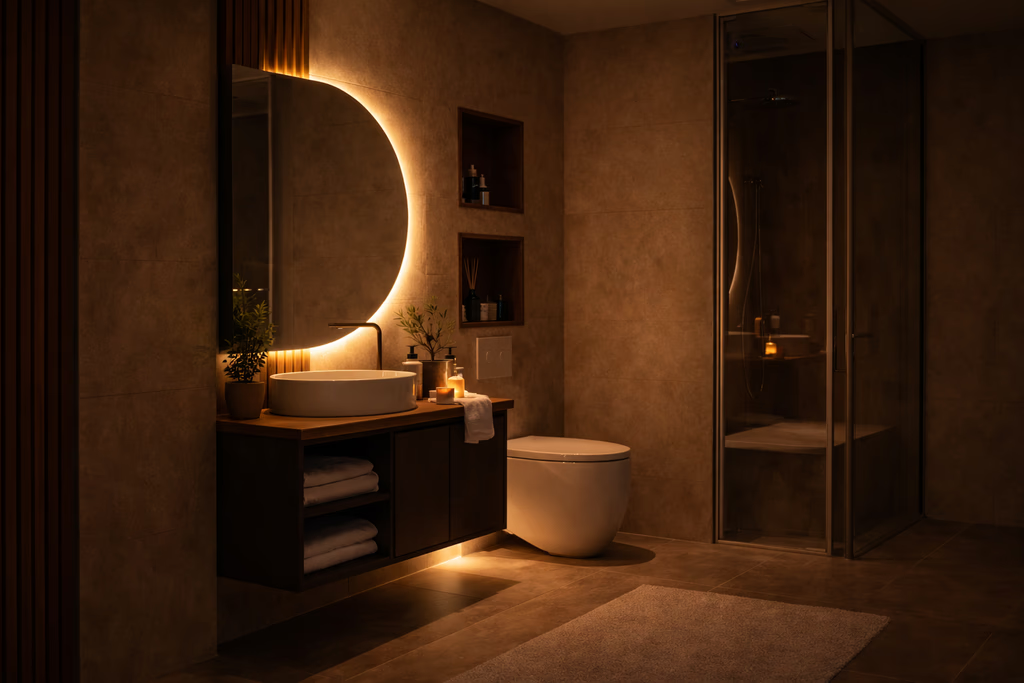
Nothing that already works should stop working. Every light your parent switches on at the wall must still switch on at that wall, the same way, even if the internet is down or the app is deleted. Automation is added around the old controls, never in place of them.
Why should every control stay on the wall?
This is where families go wrong most often. The system gets shown off on a phone, everyone agrees it looks easy, and then the app updates or the login expires while you are in another city.
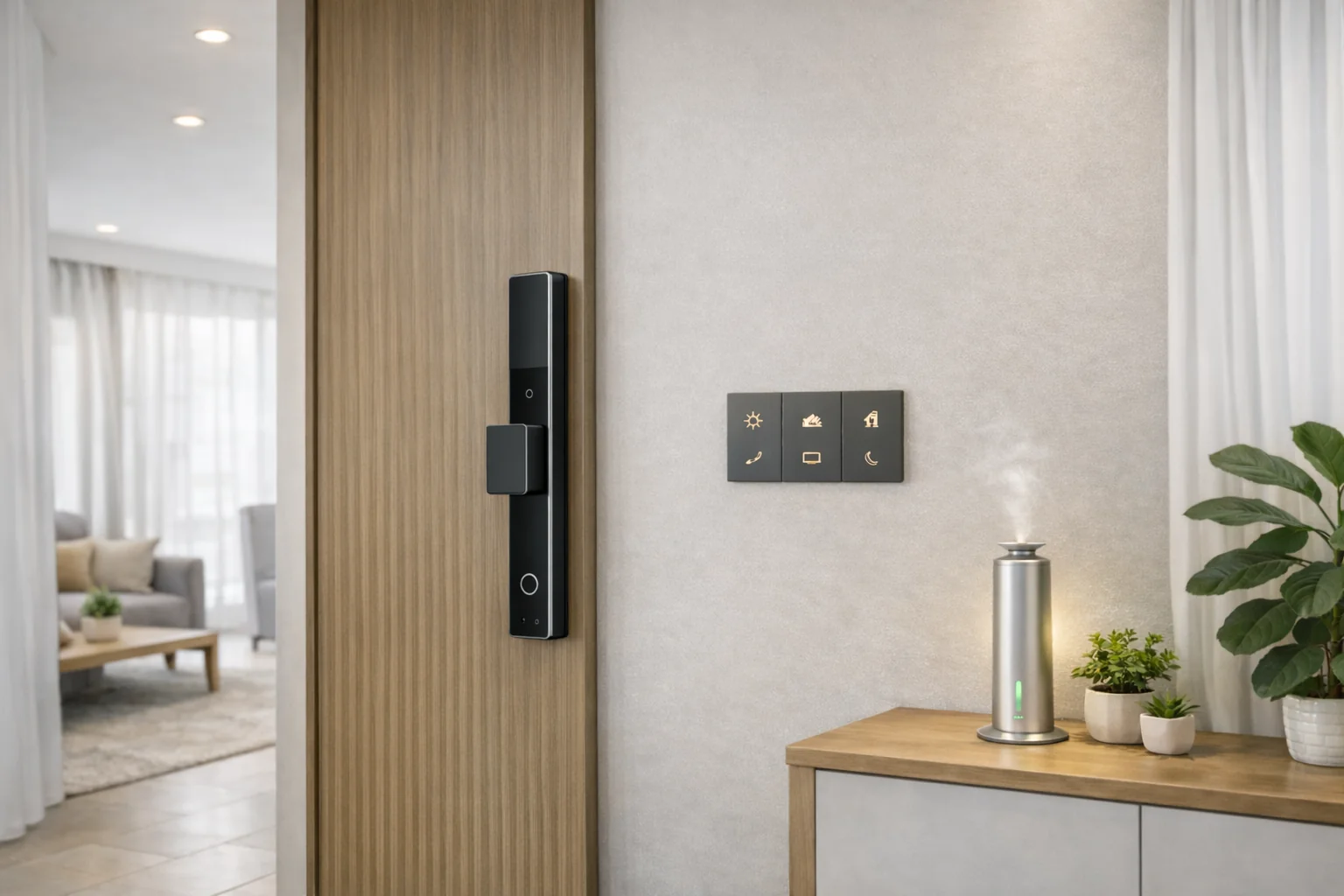
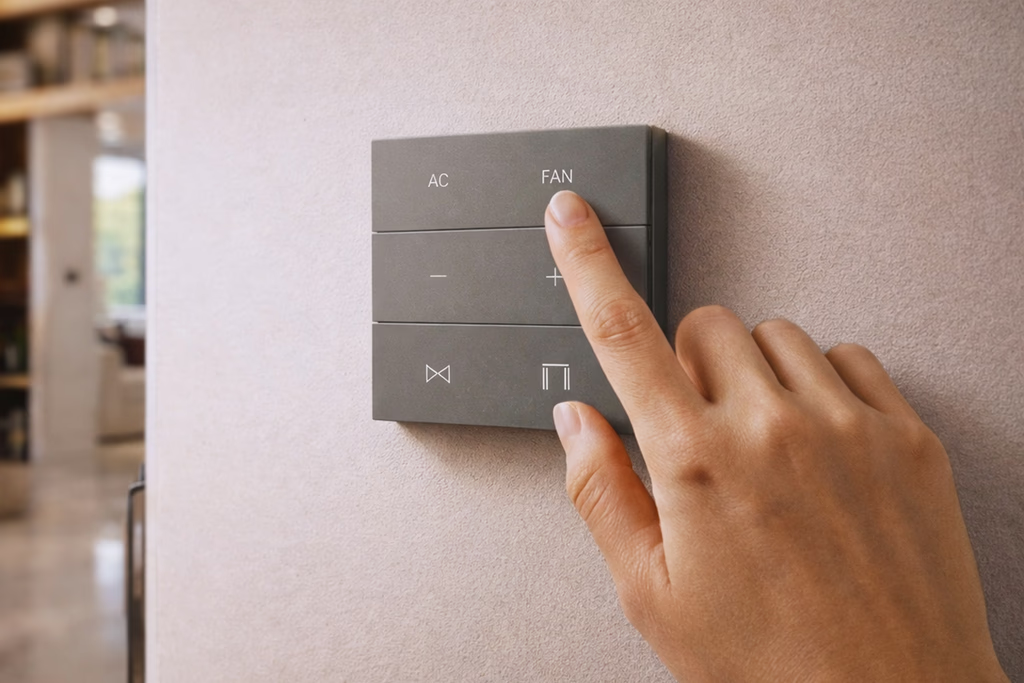
Build the home so the phone is never needed. AHA's X7 keypad replaces the existing switch, with a neutral at that switch box. The buttons give a real click, not a flat tap. That click matters: your parent can feel that the press worked without looking, and can find the switch in the dark by touch.
Keep it simple. One button that does one clear thing beats six buttons doing clever things. Put the action they use most on a single press.
Voice control helps some parents and frustrates others. It works well for someone with limited movement and clear speech. It works badly with hearing loss, a strong accent, or a TV playing in the room. Offer it, but never make it the main way to work the house. Voice also needs the internet; the wall switch does not.
What lighting do older eyes need?
Older eyes need more light to read, are more bothered by glare, and take longer to adjust when the light changes suddenly.
The US Centers for Disease Control's first home-safety step against falls is plain: "Make sure your home has lots of light by adding more or brighter light bulbs." So the plan is simple. Put more light where the task is, the reading chair, the kitchen counter, the wardrobe, and less on the ceiling. Keep bright bare bulbs out of the line of sight. Let rooms brighten gradually instead of snapping to full.
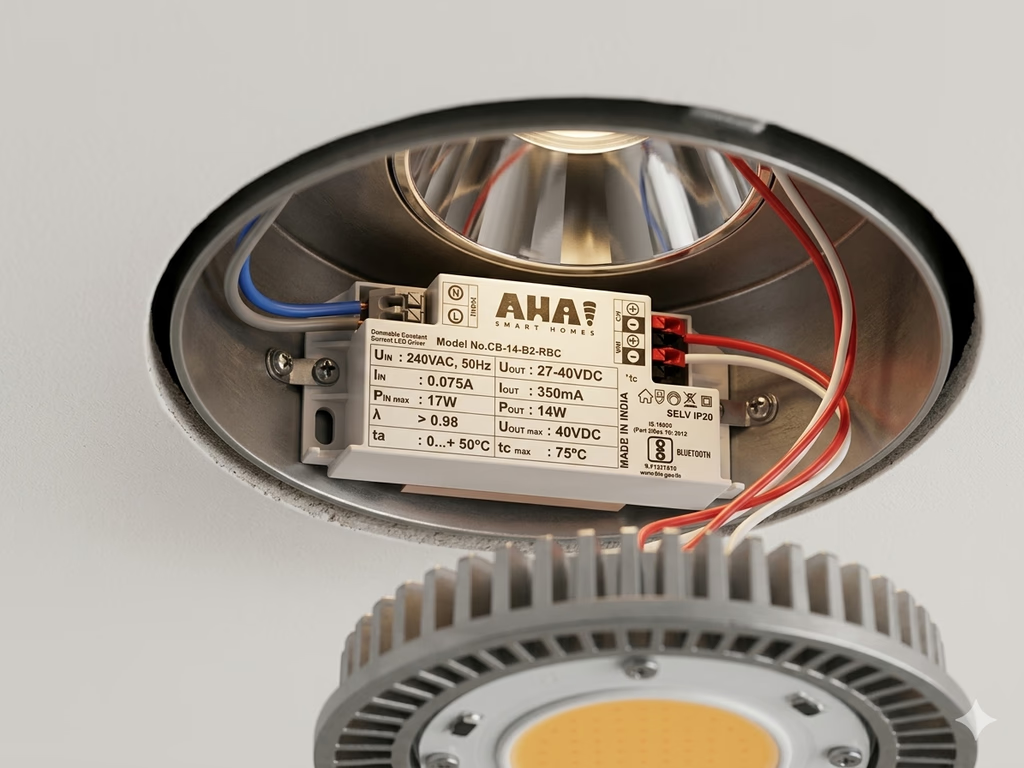
AHA gives each lighting circuit its own driver instead of one dimmer for the whole room. One scene can keep the downlights low, the cove a bit higher and the reading lamp full. Each driver sets the brightness and colour temperature of its own light, so the same room can be warm and low in the evening and bright where someone is reading.
For reading, Spotlight Mode lights the chair and dims everything around it.
How do you handle the front door and the people who come and go?
A house key has to be found in a bag, lined up with the lock and turned. Every step is harder with arthritis or a weaker grip, and all of it happens standing in a corridor holding something.
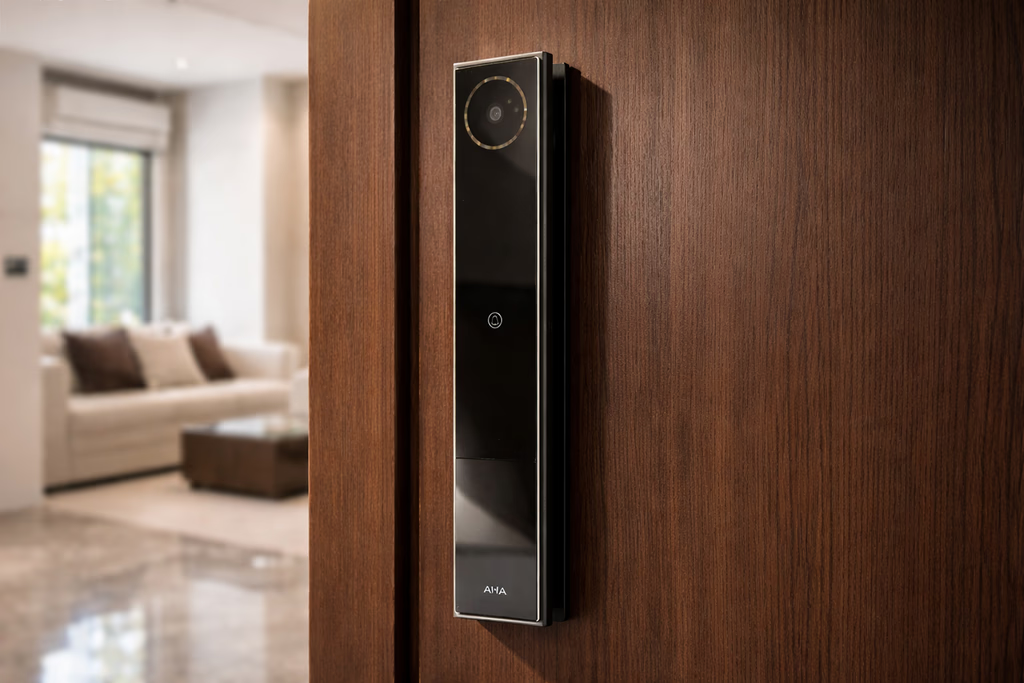
A smart lock removes the key. AHA's front door lock opens with a face, a fingerprint, a palm or a code, and two normal keys still come with it as a backup. The battery lasts about two months and charges by USB-C, so put a reminder in your calendar, not theirs.
Two things matter more here than in your own home. When the bell rings, the lock's camera turns on and the lights blink, so a sound your parent might miss becomes something they can see. And if someone tampers with the door, an alarm sounds and your phone gets an alert.
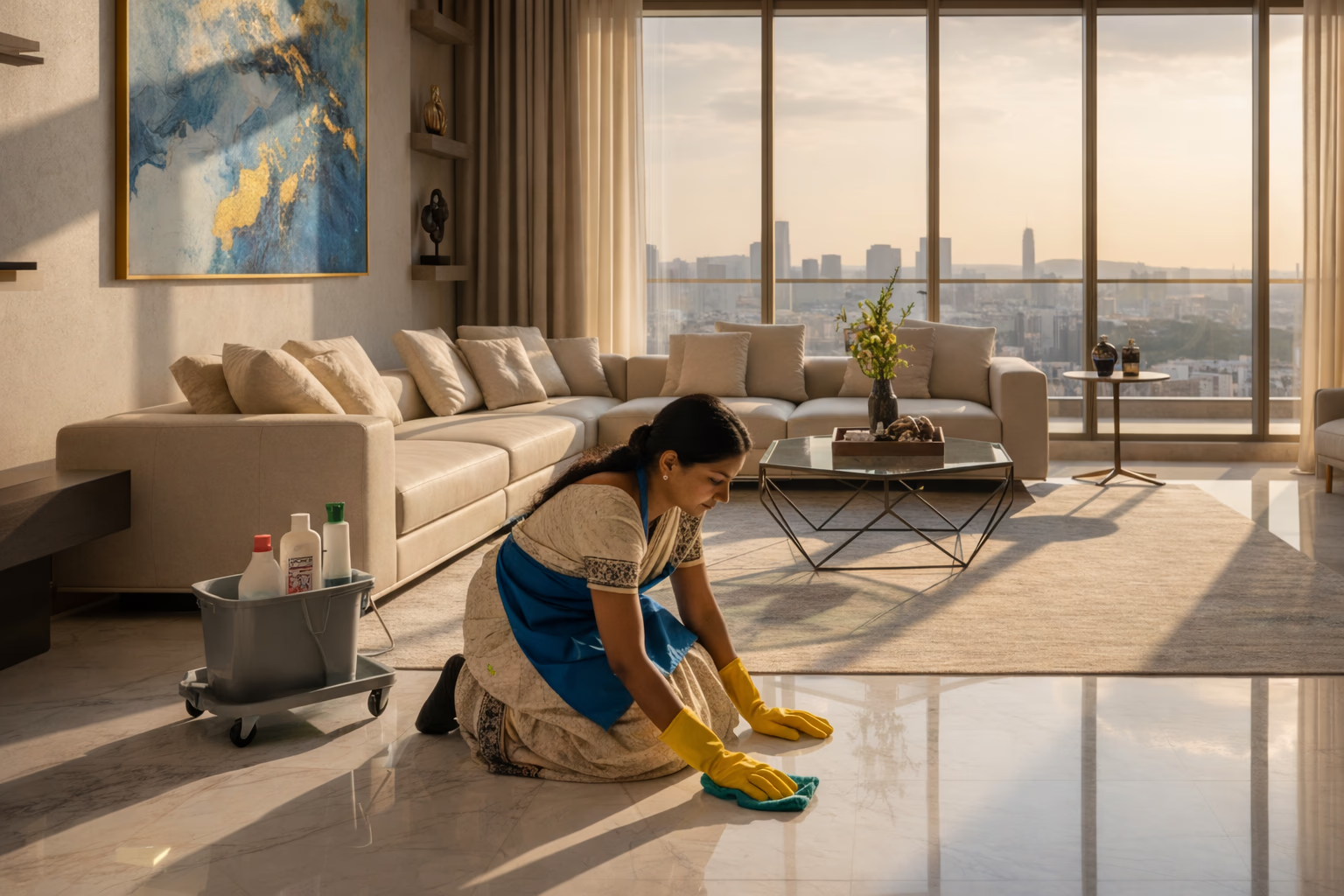
Then there is the help. A cook, a cleaner, a physiotherapist, a driver, a grandchild on Sundays. Each one used to mean a copied key or someone staying home to open the door. Instead you can give each person a code that only works during their hours, and cancel it from your phone with nothing to hand back. Cleaning Mode adds a single button that gives the helper bright working light without learning the rest of the system.
What can be automated in the pooja room?
Most guides written outside India skip this. It is often the part that makes your parent feel the system is theirs, not yours.
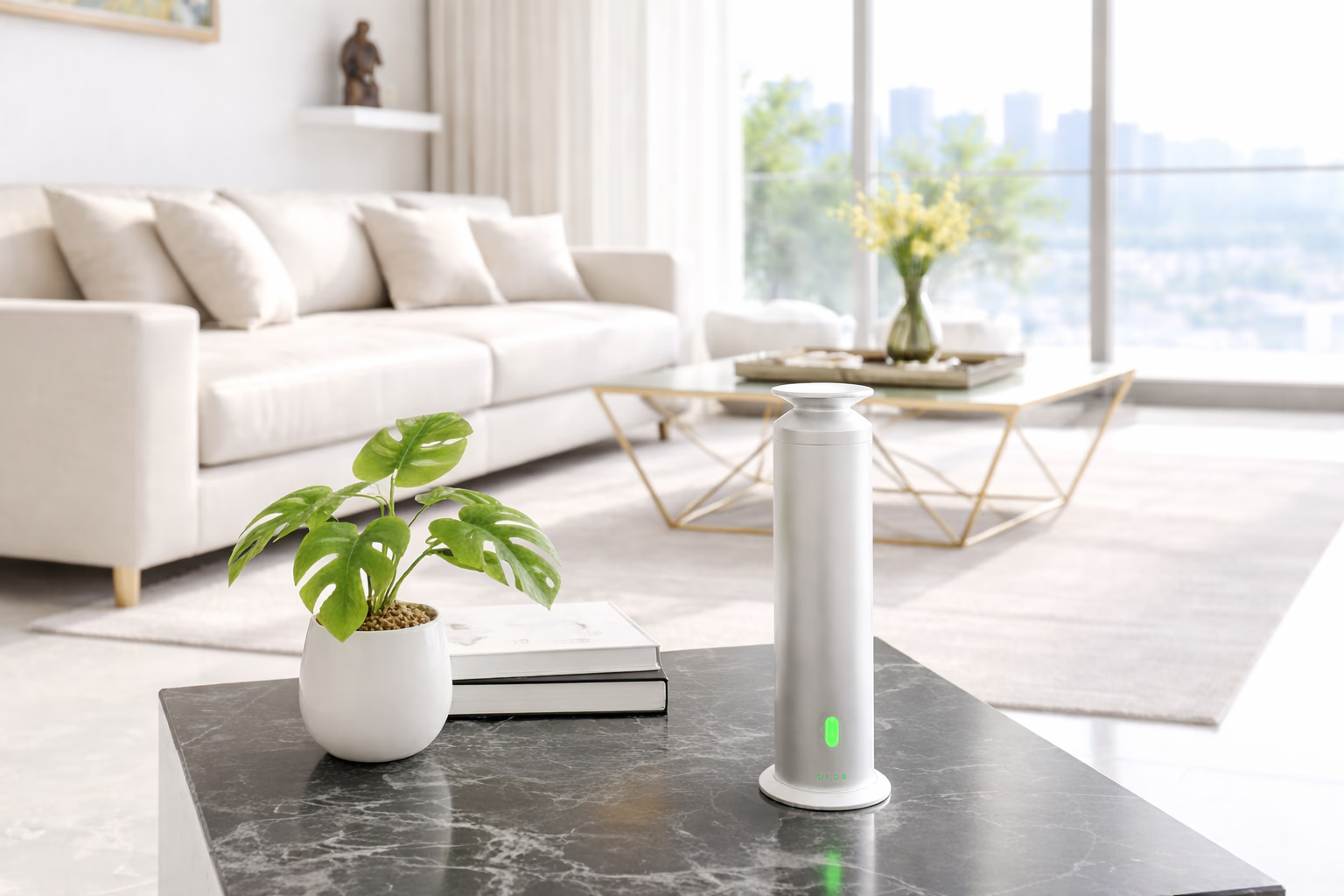
The mandir has a time. Lamps on, fragrance, sometimes bhajans, at about the same hour every day. Pooja Mode does the setup: the mandir lights come on by themselves, an aroma diffuser releases fragrance, and a speaker can start the bhajans.
Notice what the automation is not doing. It does not change the ritual or shorten it. It only removes the arranging, so the space is ready. That is the right test for every scene in the house. If an automation asks your parent to do something differently, it is the wrong automation.
Same idea for the curtains. Goodmorning Mode opens them a little at a time in the morning, so nobody reaches up to pull a heavy drape. AHA's curtain motors are quiet, about 27dB, and two-way, so if your parent pulls the curtain by hand the app and the switch update to match instead of fighting it.
What about fans, AC and the remote that goes missing?
In a Mumbai summer the fan and AC are not optional, and a lost remote is a real problem when getting up to look for it is the hard part.
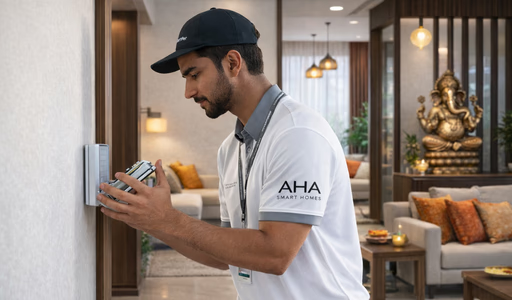
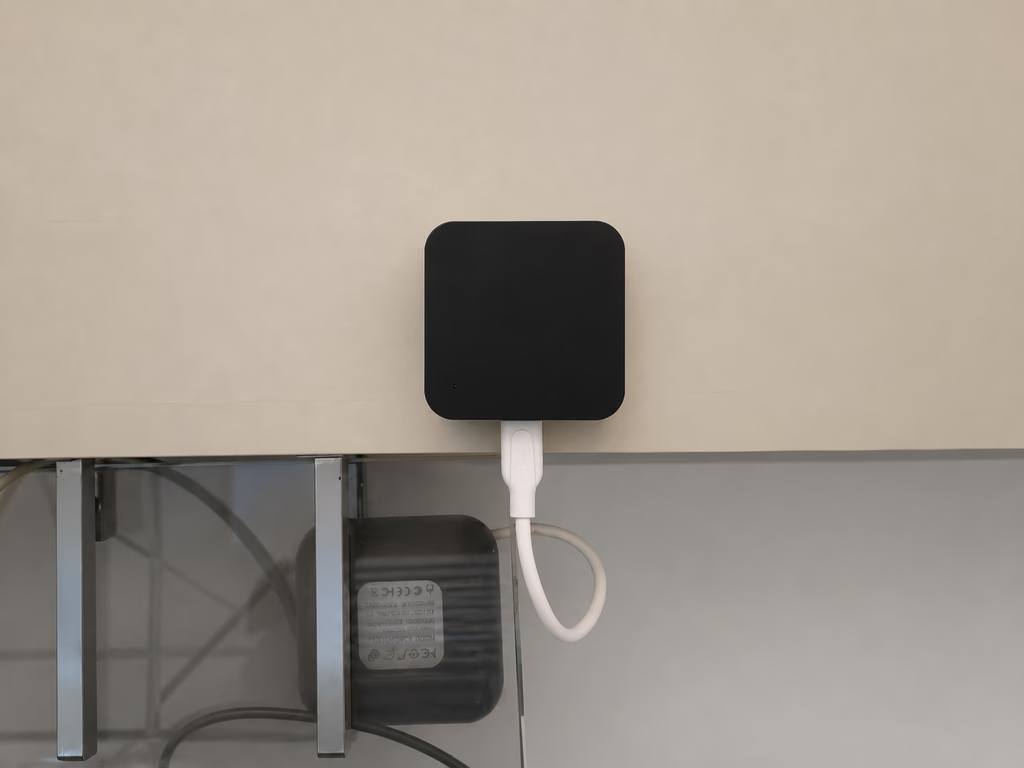
An IR controller in the room brings the existing AC and TV onto the system without replacing either. It finds the AC's model by itself. Ceiling fans use a separate controller that is quieter and uses much less power. The old remotes keep working too.
Now the AC can run on a schedule: on before the afternoon heat, back down at night. Do not overdo it. Older people often feel cold at a temperature that feels normal to you, and a room set low to save power just gets overridden. Set it where they are comfortable.
What does home automation not do for an elderly parent?
Be clear about the limits, because it is easy to hope for more than is on offer.
- Not fall detection No sensor here detects a fall or a person on the floor
- Not a medical alert Nothing calls an ambulance or a doctor
- Not health monitoring No vital signs, no sleep tracking, no reports
- Not surveillance Cameras belong at the door, not inside the rooms
- Not a replacement for care It removes daily effort, not the need for people
The bathroom presence sensor only senses that a person is in the room so it can hold the light on. It does not watch anyone, it makes no video, and it is not a health device. If your family needs fall detection or an emergency button, that is a separate product. Buy it as one.
On privacy: being watched at home by your own children is a real loss of dignity, and "it is for your safety" does not cancel that out. We do not put cameras inside a parent's rooms unless the parent asks for them. A door camera and an entry log answer almost every worry, at the edge of the home instead of inside it.
How do you bring it up, and help from far away?
The most common reason this fails is not technical. It is a parent feeling their home was changed around them by someone who does not live there.
A few things help. Do one room first, the bedroom and the route to the bathroom, so the benefit is felt on the first night. Change nothing that already works. Let your parent name the scenes, because a name they already use gets used and a name an engineer picked does not. Be there when it is set up, then step back and let your parent say whether a light is too bright. Expect to adjust it again after two weeks. Do not add more until they ask.
Helping from another city is easier than it sounds, mostly because the system does not need the internet. The automations run on a hub inside the home, so lights, curtains, scenes and switches keep working even if the building's broadband is down. That removes the one failure your parent could not fix and you could not fix from far away.
When something does need attention, about 95 per cent of issues are sorted over a call or WhatsApp in under 30 minutes, with no visit. The first year of support is included. And there is one number to call: AHA designs, supplies, sets up and tests the system with its own background-checked staff. Your electrician mounts and wires the hardware to AHA's plan, and AHA's team programs and tests it.

Which rooms should you do first?
If you want an order rather than a list, this is it.
1. Bedroom and bathroom. A motion sensor by the bed, a low pathway light, a presence sensor in the bathroom, and an evening lighting schedule. Live with it for a few weeks.
2. The front door. The lock, and scheduled codes for whoever comes and goes.
3. The rooms used most. Wall switches, plus the AC and fan.
4. Everything else, whenever it is wanted. The mandir, the curtains, more rooms. Each new part joins the system as soon as it is powered on.
For the full picture as one system, see our home automation for elderly parents page. For automating a whole home, see whole home automation.
What do families ask us next?
Will my parents actually use it, or will it end up switched off?
They use the parts that replace something they were already doing. A light that comes on by itself at 2am gets used every night. A scene they have to remember to start gets forgotten. So automate the routine, not the feature list.
What if my parent does not want any of this?
That is usually about not wanting a familiar home changed, not about the technology. It helps to change nothing they already use. Every switch keeps working the way it always did, and the automation is added quietly around it. Start with one room and let them ask for the next.
Does it work if my parent cannot use a smartphone?
Yes. The app is for the family, not for the person living there. Everything works from a wall switch, and the most useful parts, like the night light to the bathroom, run on sensors and need no input at all.
Is this a medical alert or fall detection system?
No. The system controls lights, curtains, fans, AC, locks and scenes. It does not detect falls, check vital signs or call an ambulance. It can reduce some risky moments, like walking to the bathroom in the dark, but it is not a substitute for a medical alert device or for care.
What happens in a power cut or when the internet is down?
The automations run on a hub inside the home, so lights, curtains, scenes and every wall switch keep working without the internet. Only remote access from outside the home, camera viewing and voice control pause. After a power cut the home returns to normal on its own.
Can we start with one room and add more later?
Yes, and for a parent's home that is usually the better way. Start with the bedroom and the route to the bathroom. Anything you add later joins the system as soon as it is powered on, with no rework.
The test of whether this worked is simple. Your parent stops noticing the parts you changed.
You can see the night lighting and the door lock working at our experience centres in Santacruz West and Lower Parel, open 11am to 7pm (Santacruz West is closed on Tuesdays). Bringing your parents is more useful than describing it to them later.
Book a free consultation →To see the scenes themselves, look at Midnight Walk and Grand Welcome.