Apple Home and HomeKit Lights in India: What Actually Works
A light works with Apple Home, the platform many listings still call HomeKit, if it carries the Works with Apple Home badge or is Matter-enabled. Then the Home app and Siri can run it. In an Indian home the harder question is which part to make smart: the bulb, the switch or the driver behind the fitting.
Choose for the fitting first, then check for the badge. Most searches for "HomeKit lights" end in a list of smart bulbs. Most ceiling light in a new Indian flat has no bulb to replace. Decide whether each light needs a smart bulb, a smart switch or a smart driver, then make sure whatever you buy works with Apple Home.
"Compatible with Apple Home" sounds like a property of the light. In practice it is a property of whatever does the switching, and that changes what you should be shopping for.
What makes a light Apple Home compatible?
It can be set up in the Home app. Everything else follows from that one test. A light gets there by one of two routes:
- The Works with Apple Home badge. Apple licenses this badge to accessory makers, and says it tells you an accessory "is compatible with the Apple Home app and Siri on Apple devices".
- Matter. Matter is the open standard that lets one accessory work with Apple Home, Google Home and Amazon Alexa at once. The Home app adds a Matter accessory by scanning the setup code printed on it or in its box, and the box does not need to mention Apple at all. How Matter works is the subject of its own article in this series.
Once a light is in the Home app, the same things become possible with every light in the house, whichever company made it: switching and dimming from an iPhone or iPad, grouping lights by room, running scenes, automating them on a schedule, and asking Siri.
Apple sets out the Siri side on its Control your home with Siri page, and the first step it gives is to "find accessories that work with Apple Home", then set them up in the Home app. Its examples are exactly what people want from lights: "Turn on the lights", "Adjust the brightness downstairs to 50%", and a whole scene at once with "Siri, good night".
Is "HomeKit compatible" the same as "Apple Home compatible"?
For a buyer, yes. HomeKit is the name of the technology Apple builds into its devices, and it is still the word on many older boxes and online listings. Apple Home is the name Apple now puts in front of buyers, including on the badge itself, which reads "Works with Apple Home". Apple uses both: its iPhone guide talks about "Apple Home-compatible lights", while the footnotes on its HomeView page ask for "a HomeKit- or Matter-enabled accessory".
So "HomeKit lights", "HomeKit compatible lights" and "Apple Home compatible lights" are one shopping list. The wording that is not on that list is "works with Siri" on its own.
Why "works with Siri" is not enough
Some lights reach Siri through a shortcut inside their maker's app rather than through the Home app. You can say a phrase and the light responds, but it is not in the Home app with your other lights, it cannot join a scene with them, and it will not appear on a screen like HomeView. If a listing names Siri but never mentions Apple Home, HomeKit or Matter, treat it as a light with its own app, not as part of an Apple Home setup.
Bulb, switch or driver: which Apple Home light suits an Indian home?
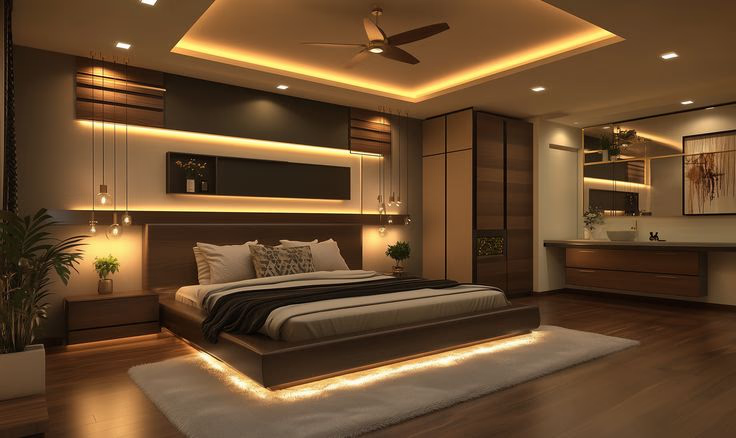
This is where most guides written for other countries stop being useful. They assume lamps and screw-in bulbs. A new Mumbai flat is usually lit from the ceiling instead, with recessed downlights, profile lights and cove strips in a false ceiling, and none of those has a bulb to swap.
| Approach | Best for | What you control | The catch |
|---|---|---|---|
| Smart bulb or strip | Lamps, pendants, rented homes | One bulb: on, off, dim, often colour | Turning the wall switch off takes it offline |
| Smart switch | Any circuit, any fittings on it | The whole circuit together | Usually needs a neutral wire at the switch box |
| Smart driver per fitting | False-ceiling downlights, profiles, coves | Each fitting: brightness and colour temperature | Planned with the ceiling, not added later |
Smart bulbs: right for lamps, wrong for the ceiling
A smart bulb is the easiest start: screw it in, scan its code, done. It is also the approach with the most frustrating failure in a real household. The bulb needs power to stay connected, so the moment anyone uses the wall switch, a guest, a child or whoever is cleaning, the bulb drops off the network until the switch is turned back on. In a home where several people use the switches, that happens daily. Smart bulbs earn their place in lamps and pendants, and in rented homes where nothing can be rewired.
Smart switches: the whole circuit, and one wiring question
A smart switch replaces the switch on the wall, so the fittings stay ordinary and the control moves to the switch. It keeps working whoever presses it, which solves the bulb problem. The question that decides whether it can be fitted at all is the neutral wire. Many Indian switch boxes were wired with only a phase running through the switch, and many smart switches need a neutral at the box as well. That is worth checking before you buy anything, and the full answer is in do smart switches need a neutral wire.
A switch controls everything on its circuit together. If one switch runs six downlights, those six dim as one. That is fine in a corridor and limiting in a living room, where you usually want the reading corner and the cove to behave differently.
Smart drivers: one fitting at a time
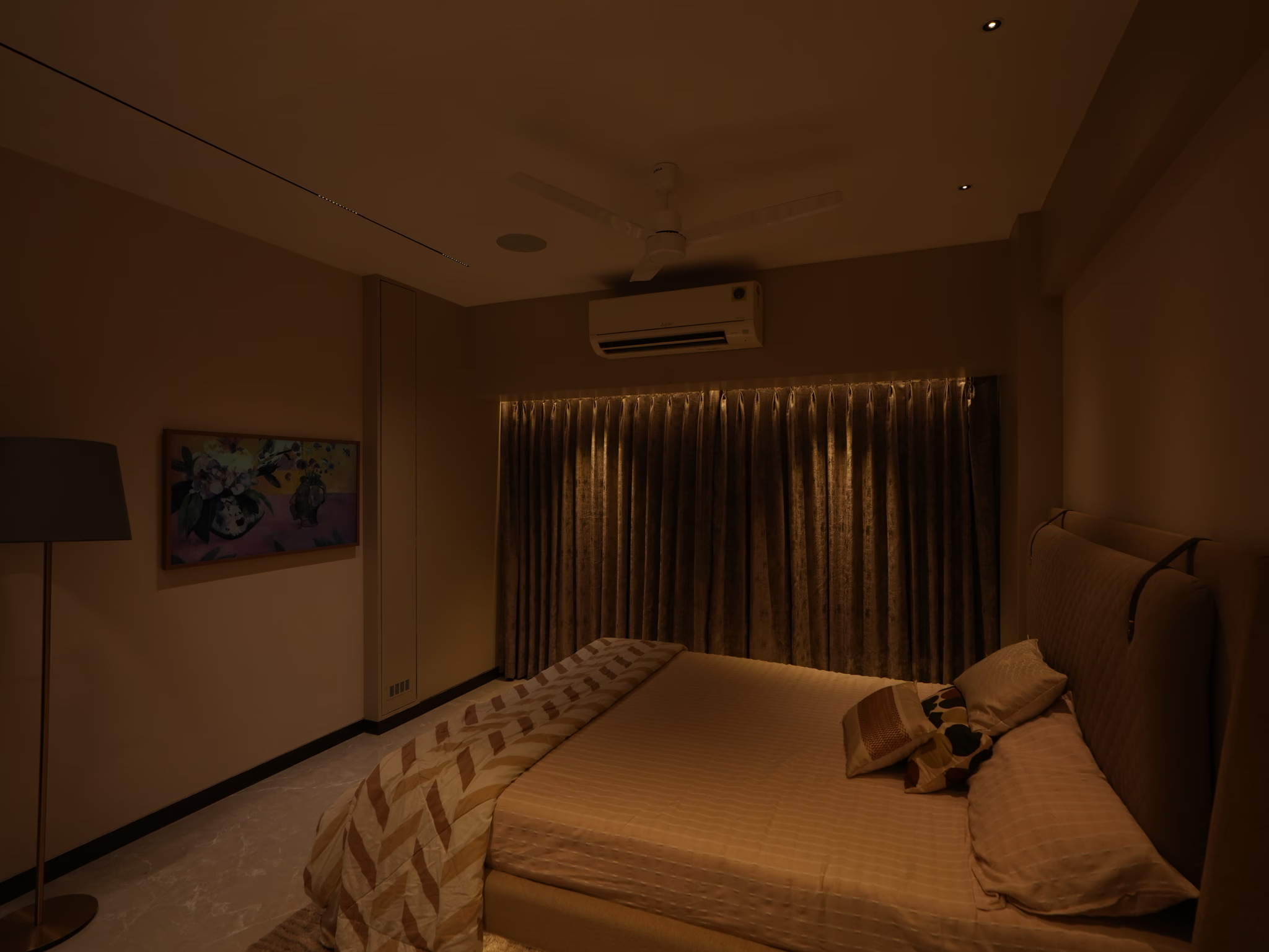
Almost every LED fitting in a false ceiling already has a driver, the small box that powers it. Make that driver smart and each fitting gets its own control of brightness and colour temperature, rather than one shared dimmer across a circuit. That is the approach AHA uses for false-ceiling light, with separate driver types for COB downlights, for LED strips and profile lights (one driver covers up to 15 feet of strip), and for track lighting. The fittings themselves stay your choice.
The catch is timing. Drivers sit above the ceiling, so they belong on the drawing before the false ceiling is closed. Which light goes where in each room is covered in false ceiling lights, every type explained, and the whole picture of controlled lighting is on smart lighting.
What is Adaptive Lighting, and which lights support it?
It is the Home app shifting a light's colour temperature through the day. In its iPhone guide, Apple explains that "some Apple Home-compatible lights let you adjust their color temperature", and that supported lights can do it automatically: "Wake up to warm colors, stay alert and focused midday with cooler ones, and wind down at night by removing blue light."
Two conditions, both easy to miss:
- The light has to support it. A light that only dims cannot change colour temperature, and not every light that changes colour temperature offers Adaptive Lighting. Check before you rely on it.
- It needs a home hub. Apple notes that Adaptive Lighting requires one, such as Apple TV 4K or HomePod.
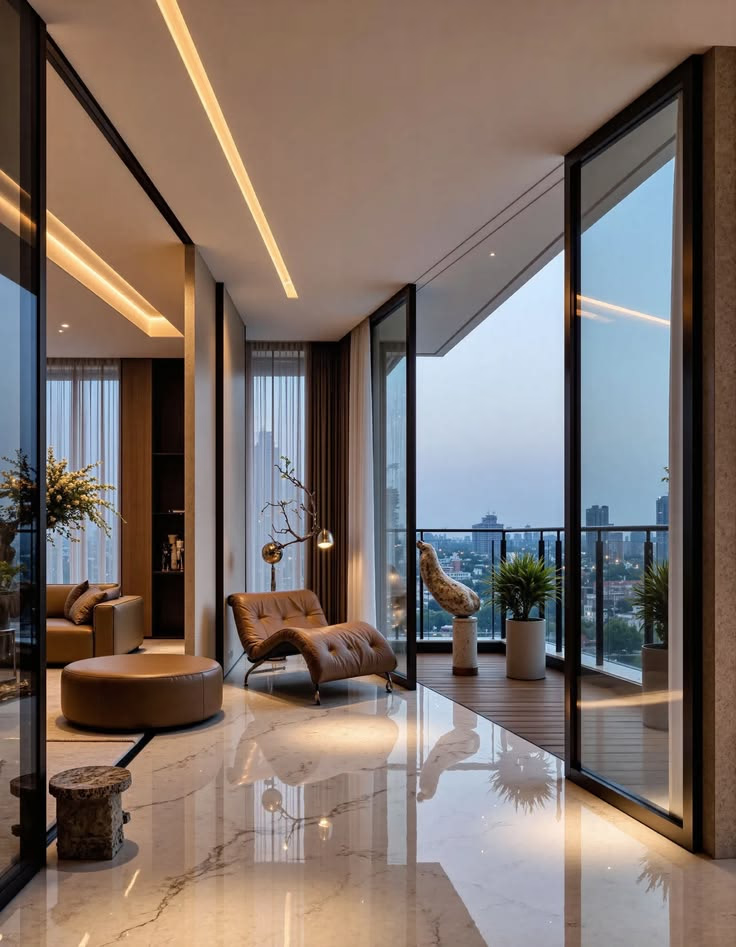
The idea matters more in Indian homes than the feature's name suggests, because so many flats are lit with one fixed cool white everywhere. Why warm light in the evening is worth having at all, and where cool light still belongs, is in warm white vs cool white.
What else do you need besides the lights?
- An iPhone or iPad to set lights up in the Home app.
- A home hub, for most of what people actually want. Apple lists controlling accessories while you are away, sharing control with family and automating them as the jobs of a home hub, and Adaptive Lighting needs one too. HomePod mini and Apple TV 4K are the familiar choices. HomeView, on sale in India from 13 November, is the newest; what it does and costs is in Apple HomeView in India.
- A Thread-enabled hub, if your lights use Thread. Apple names HomePod mini and Apple TV 4K (3rd generation, Wi-Fi and Ethernet model) as examples on the same page.
One recent change: Apple says an iPhone on iOS 18 or later can add and control Matter accessories without a home hub. That covers switching lights on and off at home. It does not cover control from outside the house, sharing or automations, which still need a hub.
How do you check a light before you buy it?
- The badge or the logo. Works with Apple Home on the box or listing, or the Matter logo. One of the two has to be there.
- The setup code. A Matter product carries a QR code or number to scan. No code usually means no Matter.
- Thread or Wi-Fi. If it says Thread, make sure you have, or will buy, a Thread-enabled home hub.
- Siri wording. If the listing says "works with Siri" but never says Apple Home, HomeKit or Matter, assume it works through its own app.
- For a switch, the neutral. Open the switch box, or ask your electrician, before you order.
- For dimming with a smart switch, the fitting. A switch can only dim a fitting that is dimmable, so check the fitting as well as the switch. A smart driver does its own dimming.
- For Adaptive Lighting, the feature itself. Colour temperature control alone is not a promise of Adaptive Lighting.
Where does AHA fit?
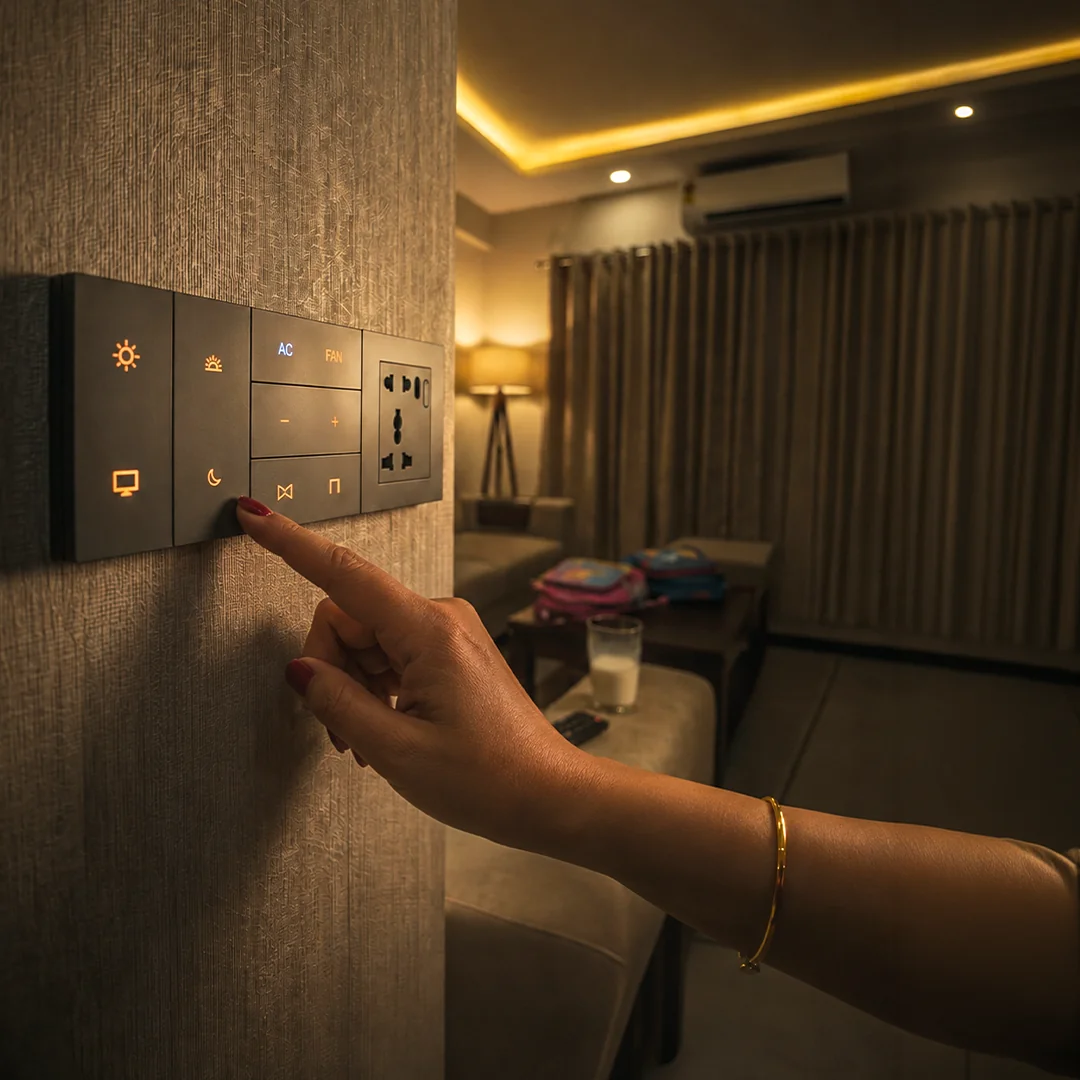
The AHA system is compatible with Apple Home, Amazon Alexa and Google Home, and certified on Matter and Thread. It is built as one system for a whole home rather than a collection of separate smart lights: smart drivers behind the false-ceiling fittings you choose, X7 keypads on the walls, and scenes that run on the AHA hub inside the house.
That last part answers the weakness every voice and app setup shares. Voice assistants are cloud services, so a Siri request needs the internet. An X7 keypad does not: each button has three presets (a single press, a double press and a long press can each run a different scene), and it keeps working when the connection drops. One wiring note from the same honesty test as everything above: the X7 needs a neutral at the switch box.
AHA designs, supplies and commissions the system, and your electrician does the wiring. See the products on AHA lighting drivers and the X7 smart switch.
What will Apple Home lights not do?
- They will not answer Siri without the internet. Voice is a cloud service. Anything that must work in an outage should not depend on it.
- Smart bulbs will not survive the wall switch. Switched off at the wall, they are offline until someone switches them back on.
- A switch will not separate the lights on one circuit. If one switch feeds six fittings, they move together.
- Compatibility will not wire anything. Smart switches and drivers still need an electrician, a neutral where required, and a ceiling that has not been closed yet.
- Not every colour-changing light offers Adaptive Lighting. Check for the feature by name.
For everything that keeps working when the internet goes down, see does a smart home work without internet, and for the six ways to control a light day to day, how to control smart lights.
What do people ask us next?
What are Apple Home compatible lights?
Lights, smart switches or lighting controllers that can be added to the Home app on an iPhone or iPad. Once added, they can be run from the Home app, by Siri, in scenes and in automations. The two signs to look for are the Works with Apple Home badge and the Matter logo with a setup code.
Are HomeKit compatible lights the same as Apple Home compatible lights?
Yes, for a buyer they are the same thing. HomeKit is the name many listings and older products use, and Apple Home is the name Apple now puts in front of buyers, including on its Works with Apple Home badge. Apple itself still uses both words. What matters is whether the light can be set up in the Home app.
Do Matter lights work with Apple Home?
Yes. The Home app adds a Matter accessory by scanning its setup code, and a Matter light does not need to mention Apple anywhere on the box. Lights that run Matter over Thread need a Thread-enabled home hub such as HomePod mini or Apple TV 4K.
Can Siri control any smart light?
No. Siri controls the lights that are set up in the Home app, which means lights that work with Apple Home. A light that answers only to its maker's app, or reaches Siri only through a shortcut in that app, is not the same thing and will not behave like the rest of an Apple Home setup.
Do I need a home hub for HomeKit lights?
For the parts most people want, yes. Apple needs a home hub, such as HomePod mini or Apple TV 4K, to control lights while you are away, to share control with family, to run automations and to use Adaptive Lighting. Lights that use Thread also need a Thread-enabled hub.
Smart bulbs or smart switches: which is better in an Indian home?
It depends on the fitting. Smart bulbs only help where there is a bulb holder, such as lamps and pendants, and they go offline whenever someone uses the wall switch. Smart switches control a whole circuit and usually need a neutral wire at the switch box. False-ceiling downlights, profile lights and cove strips are best handled by a smart driver behind each fitting, planned with the ceiling.
The short version: HomeKit compatible and Apple Home compatible are the same shopping list, and the test is whether the light can be set up in the Home app. Look for the Works with Apple Home badge or the Matter logo, decide bulb, switch or driver by the fitting rather than by the advert, and get a home hub if you want control from outside the house, automations or Adaptive Lighting.
Both AHA experience centres are laid out as real homes, so you can see per-fitting control, scenes and keypads working together: Santacruz West and Lower Parel, 11am to 7pm, Santacruz West closed on Tuesdays.
Book a free consultation →