Apple HomeView in India: Price and Which Lights Work With It
Apple HomeView goes on sale in India on 13 November 2026 at Rs 39,900. It controls lights through the Home app, and only lights that are HomeKit- or Matter-enabled. A Wi-Fi bulb that answers only to its own app will not show up on it, however smart it is.
Check the light, not the screen. If a light, a smart switch or the controller behind a fitting carries the Works with Apple Home badge or the Matter logo, HomeView can run it. If it carries neither, HomeView cannot, and no setting on the screen changes that.
Apple launched HomeView on 13 October, and it is already up for pre-order in India. Here is what you are actually buying, before the question that matters more: whether it will run the lights you already have.
When does Apple HomeView go on sale in India, and what does it cost?
From 13 November 2026, at Rs 39,900. Pre-orders are open now on the Apple India HomeView page. The Apple India store lists it at Rs 39,900 MRP, inclusive of all taxes, with EMI from Rs 3,620 a month.
It is a 7 inch (17.73 cm) screen with speakers, a camera for video calls and microphones for Siri. It can recognise up to six people in a household and show each of them their own content. Siri AI on HomeView is rolling out in English first.
There are two versions at the same price, and the difference matters more in an Indian flat than it first appears:
- Tabletop: the screen sits on a domed aluminium base with a hinge, in silver, starlight, rose pink or space grey. It plugs into a socket like any other device on a console or a side table.
- Wall-mounted: in silver or space grey, meant for an entrance or a hallway. Apple offers wired and plug-in mounting options, and the wall mount, USB-C cable and power adapter are sold separately. The adapter has to be 20W or larger.
Either way, HomeView needs a compatible iPhone or iPad running the latest software. It is part of an Apple household, not a replacement for one.
Which lights can Apple HomeView control?
Only lights that are HomeKit- or Matter-enabled. That is not an interpretation. In the footnotes to its India page, Apple states that the smart home features of HomeView require "a HomeKit- or Matter-enabled accessory", sold separately. HomeView controls lights through the Home app, so if a light cannot join the Home app it cannot appear on HomeView.
The two words on that footnote are worth untangling, because they are the cause of most confusion in shops:
- HomeKit is the technology Apple builds into its devices for home accessories. Older products and many listings still say "HomeKit compatible".
- Apple Home is the name Apple now uses with buyers. The badge it licenses to accessory makers reads "Works with Apple Home", and Apple says the badge tells you an accessory "is compatible with the Apple Home app and Siri on Apple devices".
- Matter is the open standard that lets one accessory work with Apple Home, Google Home and Amazon Alexa at once. A Matter light does not need to say "Apple" anywhere on the box to work with HomeView.
So when someone asks for "HomeView compatible lights", "HomeKit compatible lights" and "Apple Home compatible lights", they are asking for the same thing. The full buyer's guide to those lights, bulbs, switches and drivers included, is Apple Home and HomeKit lights in India.
How do you check a light before you buy it?
- Look for the Works with Apple Home badge on the box or the listing. It is the clearest single signal.
- Or look for the Matter logo, together with a Matter setup code (a QR code or a number) printed on the product or in the box. The Home app adds a Matter accessory by scanning that code.
- Be suspicious of "works with Siri" on its own. Some products reach Siri only through their own app's shortcuts. That is not the same as appearing in the Home app, and it will not put the light on HomeView.
- If the listing names only its own app, Alexa and Google Home, assume it will not work with HomeView until the maker says otherwise.
Smart bulb, smart switch or smart driver: which suits an Indian home?
Most writing about HomeView lights is about smart bulbs. That works in a home lit by lamps with screw-in bulbs. It does not describe most new Indian flats, where the ceiling light comes from downlights, profile lights and cove strips set into a false ceiling. Those fittings have no bulb holder, so a smart bulb is simply not an option for them.
| Approach | Suits | What HomeView controls | Watch out for |
|---|---|---|---|
| Smart bulb or strip | Lamps, pendants and anything with a bulb holder | That one bulb: on, off, dim, often colour | Someone switching it off at the wall takes it offline |
| Smart switch | Any circuit, whatever fittings are on it | Everything on that circuit, together | Whether the switch box has a neutral wire; dimming depends on the fitting |
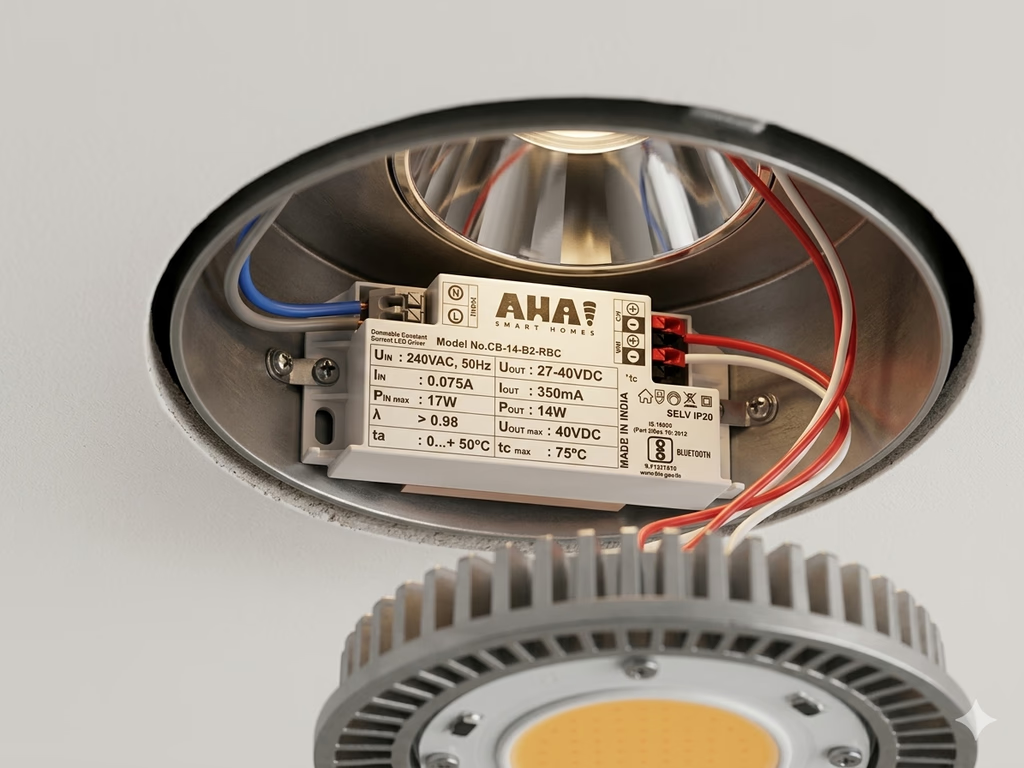
| Smart driver behind each fitting | False-ceiling downlights, profile lights, cove strips | Each fitting on its own: brightness and colour temperature | It is planned with the ceiling, not added afterwards |
The switch row has a wiring question attached to it that catches many Mumbai renovations, set out in do smart switches need a neutral wire. The driver row is how AHA handles false-ceiling light: a driver behind each fitting gives per-fixture control of brightness and colour temperature, rather than one dimmer shared across a circuit. How the three approaches feel to live with day to day is covered in how to control smart lights, and the room by room picture is on smart lighting.
Whichever approach you choose, the HomeView test is the same one: the product doing the controlling has to be HomeKit- or Matter-enabled.
Do you still need a HomePod or Apple TV?
Possibly, and it depends on how your lights connect. Apple calls HomeView "a central hub for your smart home accessories". A home hub is the Apple device that stays at home and does the work: on its home hub support page, Apple lists controlling accessories while you are away, sharing control with family and running automations as the things that need one.
The open question is Thread. Lights that use Matter over Thread need a Thread-enabled home hub, and that same page names HomePod mini and Apple TV 4K (3rd generation, Wi-Fi and Ethernet model) as examples. HomeView is not on that page yet, because it has not shipped, and the India product page does not mention Thread. Until Apple says otherwise:
- If your lights use Thread, keep the HomePod mini or Apple TV 4K you already have, or plan for one.
- If your lights use Matter over Wi-Fi or Ethernet, Apple notes that an iPhone on iOS 18 or later can add and control Matter accessories without a home hub, though it still recommends one for the best experience.
This is worth checking again in late November. Once HomeView is in homes, Apple will update its hub page, and the answer for Thread lights will either get simpler or confirm that a second device stays.
Where should a wall-mounted HomeView go, and what does the wall need?
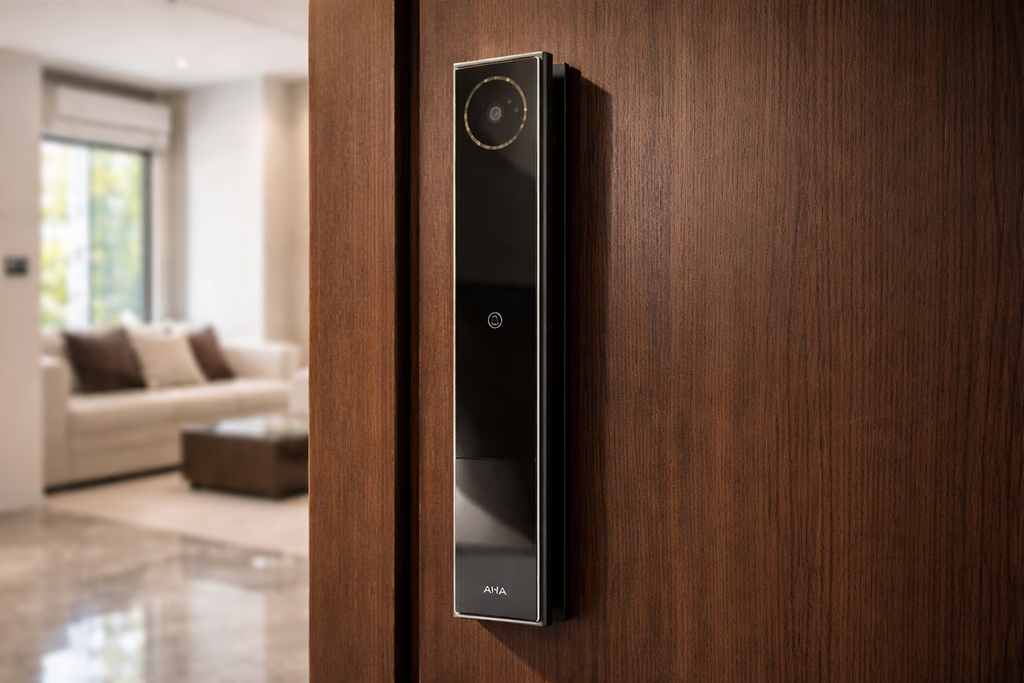
Apple suggests the entrance or a hallway, which matches how a wall screen gets used: it is what you glance at on the way out to check that the lights are off, and what greets you on the way in. The practical point for an Indian home is the one buried in the small print. A wired wall mount needs power at that exact spot in the wall.
In a flat under construction or a full renovation, that is easy: your electrician runs a point to the chosen height before the wall is plastered and painted. In a finished home it means chasing the wall or settling for the plug-in mount with a visible cable. Either way, decide the spot before the electrical drawing is frozen, the same way you would for a video doorphone or a keypad. Our electrical points checklist for a new home lists the other points worth fixing at the same moment.
Two more things to settle with the spot itself: eye level for the shortest person who will use it every day, and away from a window that throws glare across the screen in the afternoon.
Where does an AHA home fit with HomeView?
The AHA system is compatible with Apple Home, Amazon Alexa and Google Home, and certified on Matter and Thread. Lighting, curtains, locks and climate run as one system on the AHA hub, which processes scenes inside the house rather than on a server somewhere else.
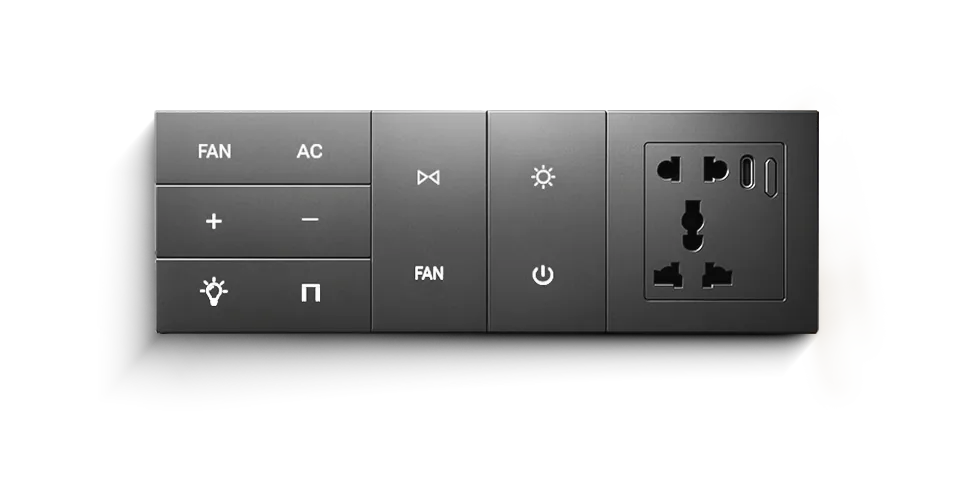
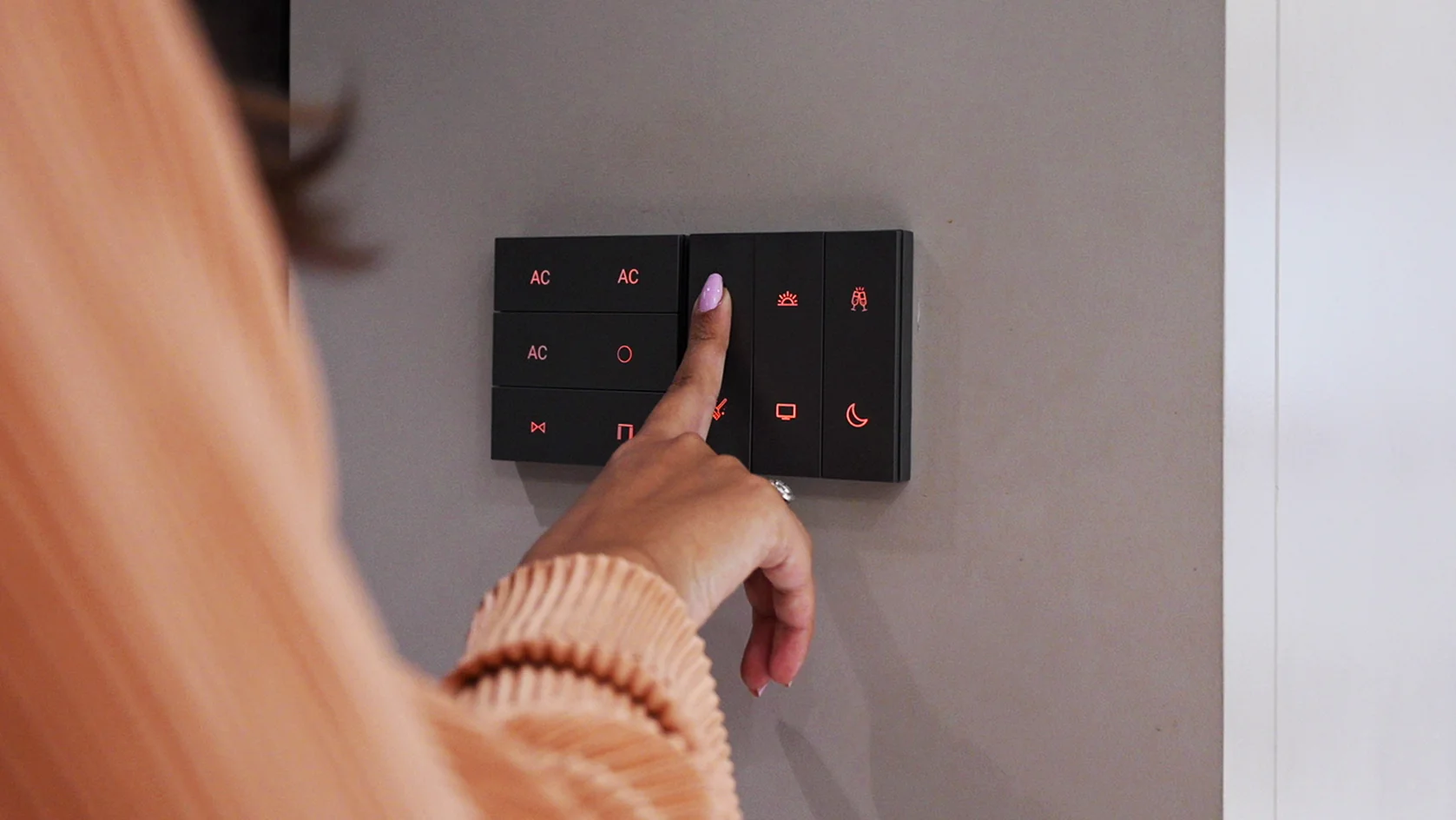
That last point is the useful one next to a screen like HomeView. Voice assistants are cloud services, so a Siri request needs the internet. An AHA wall keypad does not: its scenes run on the hub at home, and they keep working when the connection drops. HomeView becomes one more way to reach the house, not the only one.
If you are planning an AHA home and want a HomeView on the wall, say so at the first meeting, so its spot and its power point go on the drawing with everything else. AHA designs, supplies and commissions the system; your electrician does the wiring. More on how the whole system fits together is on whole-home automation systems.
What will HomeView not do for your lights?
- It will not control a light that is not HomeKit- or Matter-enabled. No app on the screen bridges that gap. The fix is at the light, the switch or the driver.
- It will not run Siri without the internet. Siri is a cloud service. Anything you need to work during an outage should not depend on voice.
- It is not the same in every region. Apple notes that some features may not be available in all regions or languages, and Siri AI is starting in English.
- It is not the whole bill. The wall-mounted version needs its mount, cable and adapter, and any lights that are not already HomeKit- or Matter-enabled need changing before HomeView can see them.
- It does not settle the Thread question yet. If your lights use Thread, assume a HomePod mini or Apple TV 4K stays until Apple confirms otherwise.
For what keeps working in an outage across a whole home, see does a smart home work without internet.
What do people ask us next?
Is Apple HomeView available in India?
Yes. Pre-orders are open on the Apple India online store, and HomeView goes on sale in India from 13 November 2026. Both versions, the tabletop model and the wall-mounted model, are listed.
What is the price of Apple HomeView in India?
Rs 39,900 MRP, inclusive of all taxes, with EMI from Rs 3,620 a month at launch. The wall-mounted version is listed at the same price, but its wall mount, USB-C cable and power adapter are sold separately, and the adapter has to be 20W or larger.
Which lights work with Apple HomeView?
Any light, smart switch or lighting controller that is HomeKit- or Matter-enabled, because HomeView controls lights through the Home app and Apple states that its smart home features require a HomeKit- or Matter-enabled accessory. On the box, look for the Works with Apple Home badge or the Matter logo with a setup code. If a product shows neither, HomeView cannot control it.
Will my existing smart bulbs work with HomeView?
Only if they are HomeKit- or Matter-enabled. Many Wi-Fi bulbs sold in India work only through their own app or a voice speaker, and those will not appear in the Home app or on HomeView. Check the box or the product page for the Works with Apple Home badge or the Matter logo before assuming either way.
Do I still need a HomePod or Apple TV if I buy HomeView?
Apple describes HomeView as a central hub for your smart home accessories. What Apple has not yet published is whether it also works as a Thread hub, and lights that run on Thread need a Thread-enabled home hub such as HomePod mini or Apple TV 4K. Until Apple lists HomeView on its home hub page, keep an existing HomePod mini or Apple TV 4K if your lights use Thread.
Does HomeView replace the light switches on the wall?
No. It is one more place to control lights from, alongside the iPhone, voice and the switches themselves. In an AHA home the wall keypads run scenes on the AHA hub inside the house, so they keep working when the internet is down, which is exactly when a screen that depends on a voice service is least useful.
The short version: HomeView is on sale in India from 13 November at Rs 39,900, and it runs any light that is HomeKit- or Matter-enabled. Check the light, the switch or the driver before you check the screen, keep a HomePod mini or Apple TV 4K if your lights use Thread, and put a wall-mounted one on the electrical drawing before the wall is closed.
Both AHA experience centres are laid out as real homes, so you can see a whole lighting system run from a keypad, a phone and a scene: Santacruz West and Lower Parel, 11am to 7pm, Santacruz West closed on Tuesdays.
Book a free consultation →