7 Must-Have Features in a Smart Home Entertainment Setup
Seven features turn a TV into a smart entertainment setup: multi-room audio, a one-touch movie scene, motorised blackout curtains, one control for every device, lighting that dims for the screen, colour lighting that follows the music, and a system that keeps working without the internet. A big TV and a soundbar alone is a media corner.
In rough order of value: multi-room audio, a one-touch movie scene, motorised blackout curtains, universal control of the TV and AC, layered scene lighting, colour lighting that follows the music, and a system that runs locally so none of it depends on your Wi-Fi. Voice control sits on top of all of it, not underneath it.
Most people picture a smart entertainment setup as a big screen.
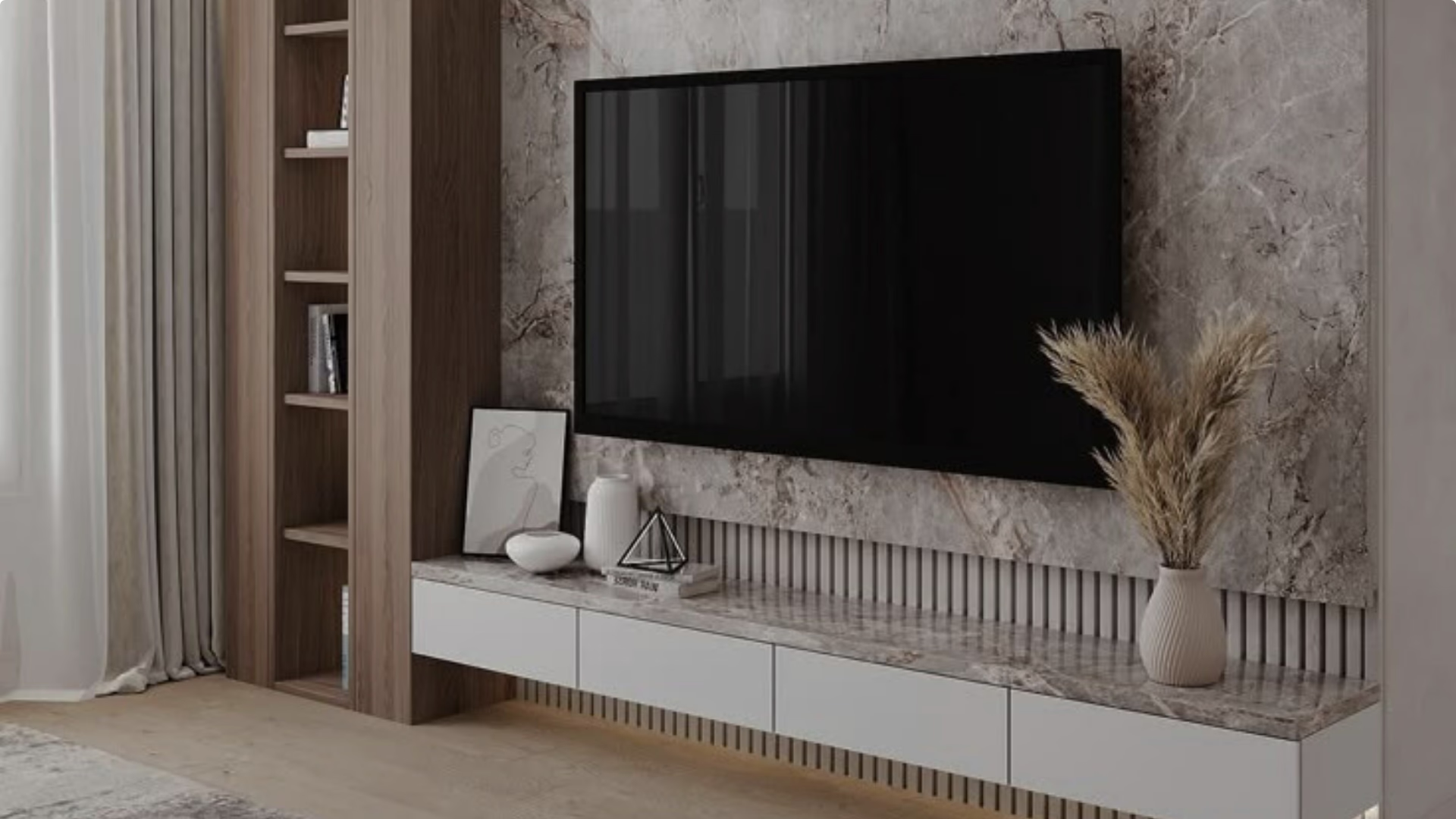
The screen matters, but it is the least interesting part. What makes a setup smart is that the things around the screen work together. Press one button and the TV comes on, the curtains close, the lights drop behind the screen, and the AC moves to your viewing temperature. Nobody gets up. That is the feature, not any single box.
It all runs on the same wireless system AHA builds for lighting and curtains, so it is not a separate setup with its own wiring and its own app. Here are the seven parts worth insisting on.
1. Can every room play music as one system?
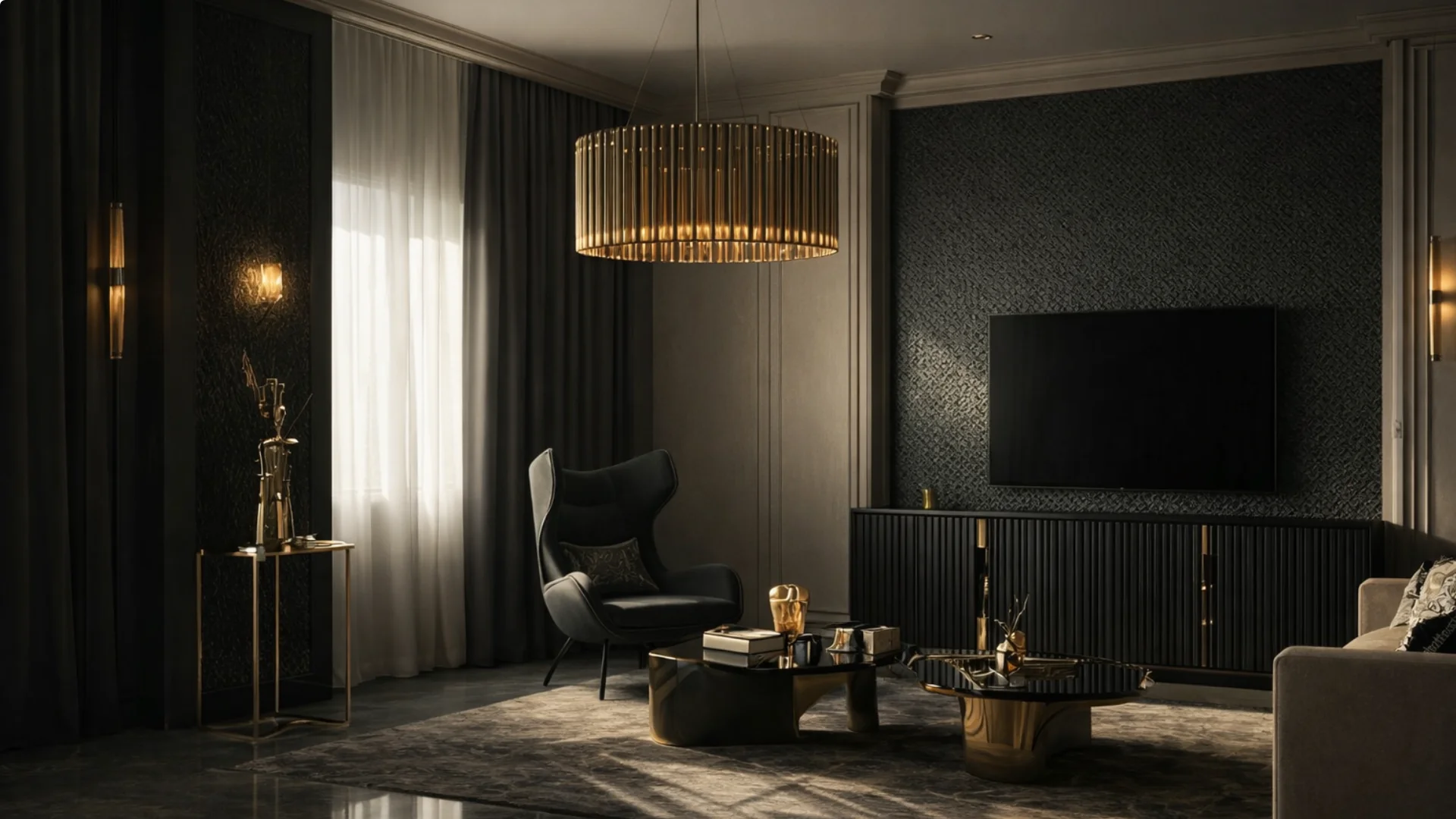
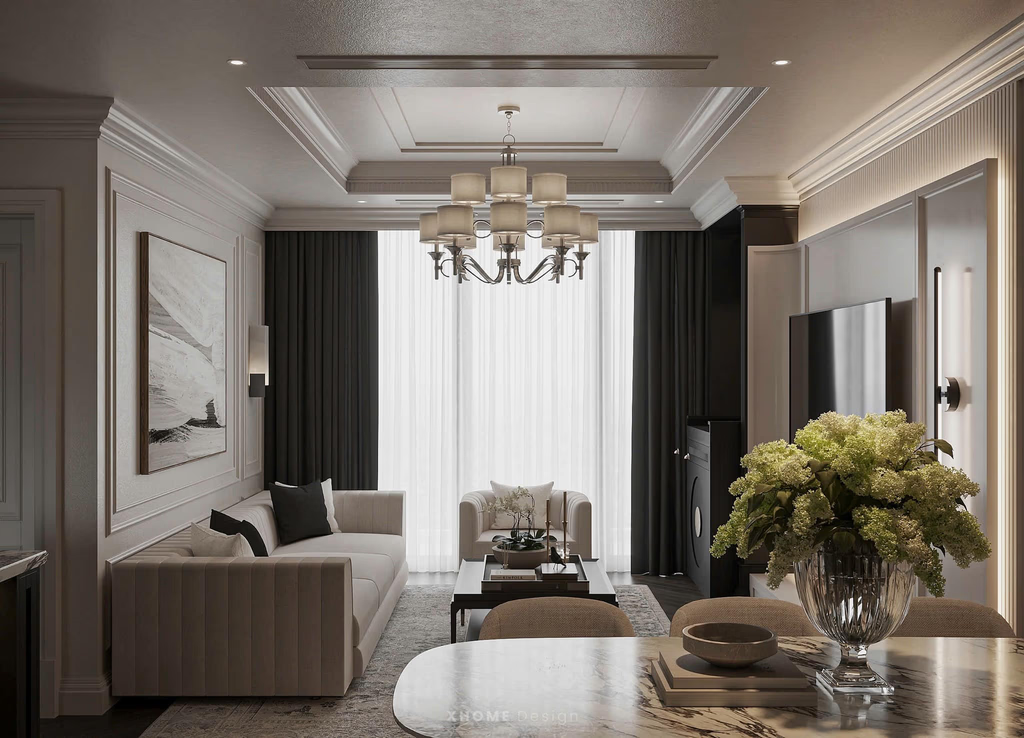
The step up from a Bluetooth speaker is not a louder Bluetooth speaker. It is speakers built into the ceiling in the rooms you use, all on one app. Play the same thing everywhere in sync, or something different in each room. How that works from an iPhone, and which speaker suits which room, is in AirPlay ceiling speakers in India.
AHA's room speakers cast straight from your phone, with AirPlay and Spotify Connect built in, so there is no extra box. Bathroom speakers are sealed against the steam. One amplifier can run up to four rooms.
The everyday version: music follows you from the kitchen to the shower to the bedroom, at the same volume, without touching anything.
- Room speakers A ceiling pair that streams from your phone
- Bathroom speaker Smaller, sealed against steam
- Multi-zone amplifier Runs up to 4 rooms from one unit
2. Can one switch start a movie?
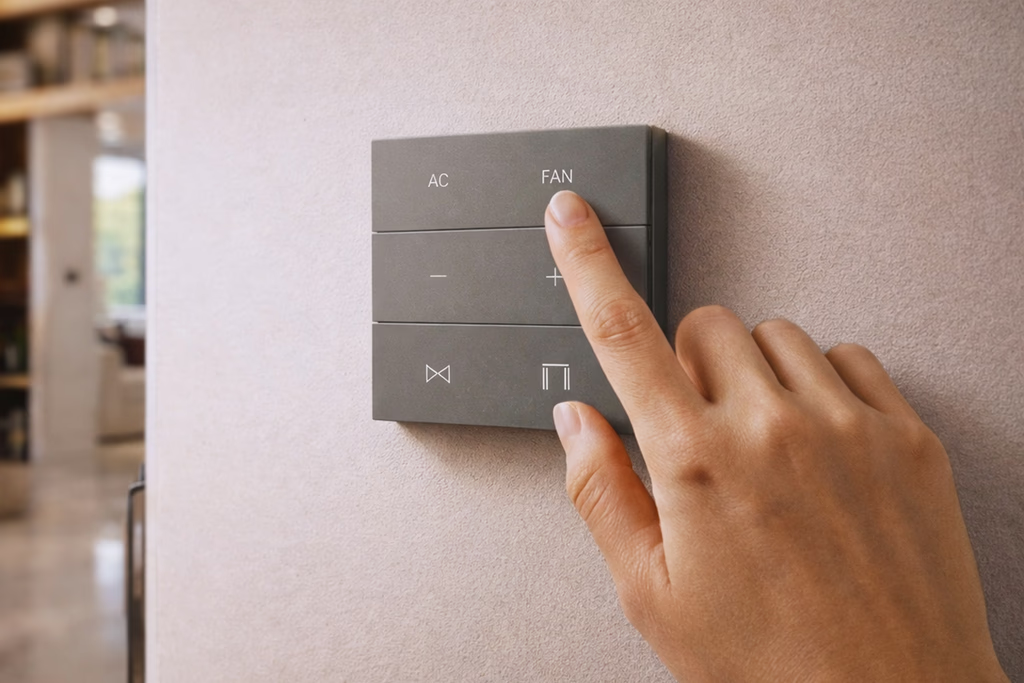
The control that matters most sits next to the sofa, not in an app. On AHA's X7 keypad, one button holds three actions: a single tap, a double tap and a long press. So one button can be Movie, then Pause with the lights half up, then All Off. The buttons give a real click, not a flat touch panel.
Tap Movie and the TV comes on, the curtains close, the lights drop to a low warm level, and the AC moves to your viewing temperature. From the switch, the app, or a phrase you set for Alexa. This is the Theatre Mode scene, and it runs live at both experience centres.
3. Why do blackout curtains belong in a media room?
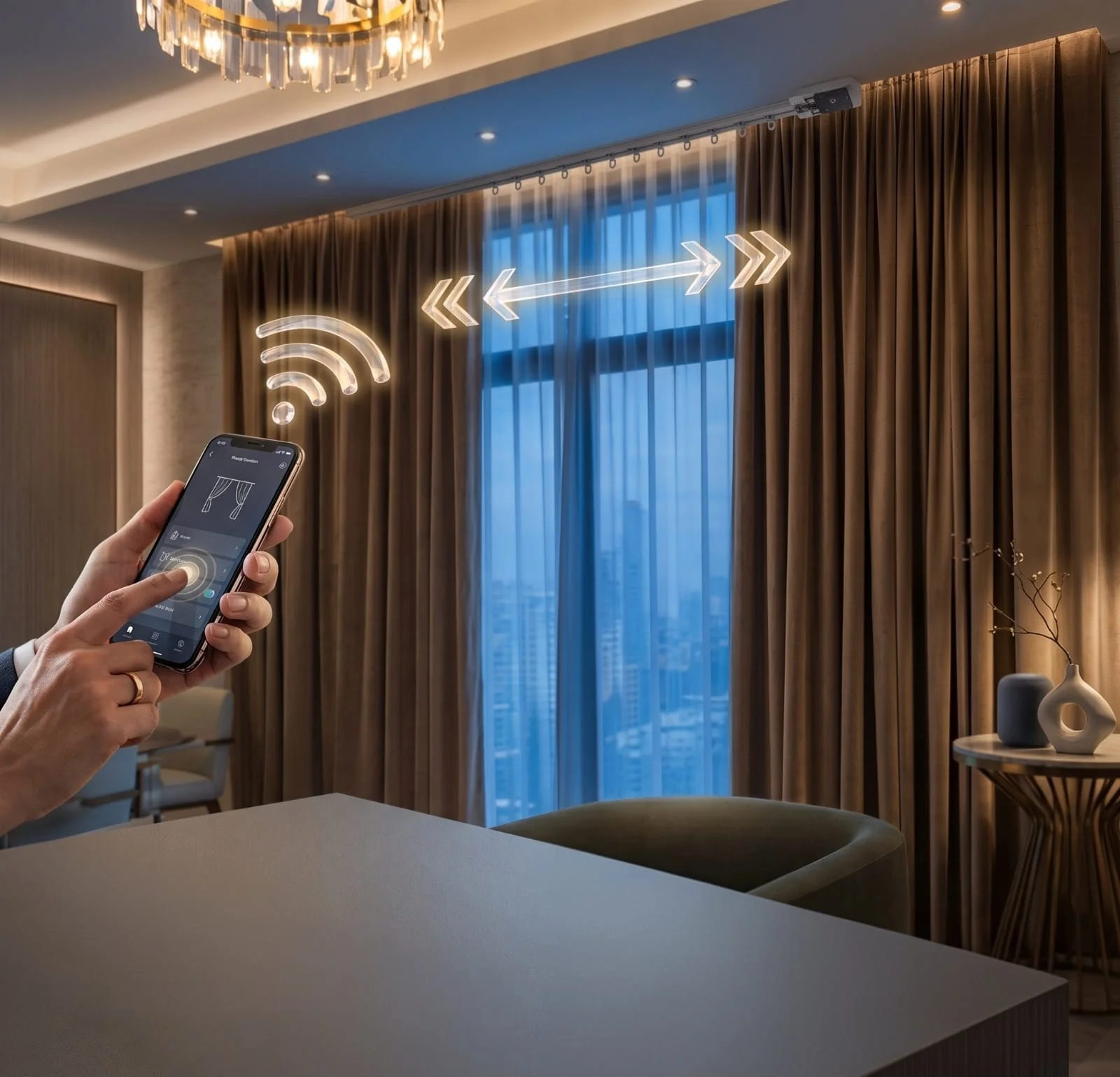
Daytime viewing means glare, and a manual curtain means someone has to get up and close it. Put the curtains on the same scene as the TV and it happens by itself.
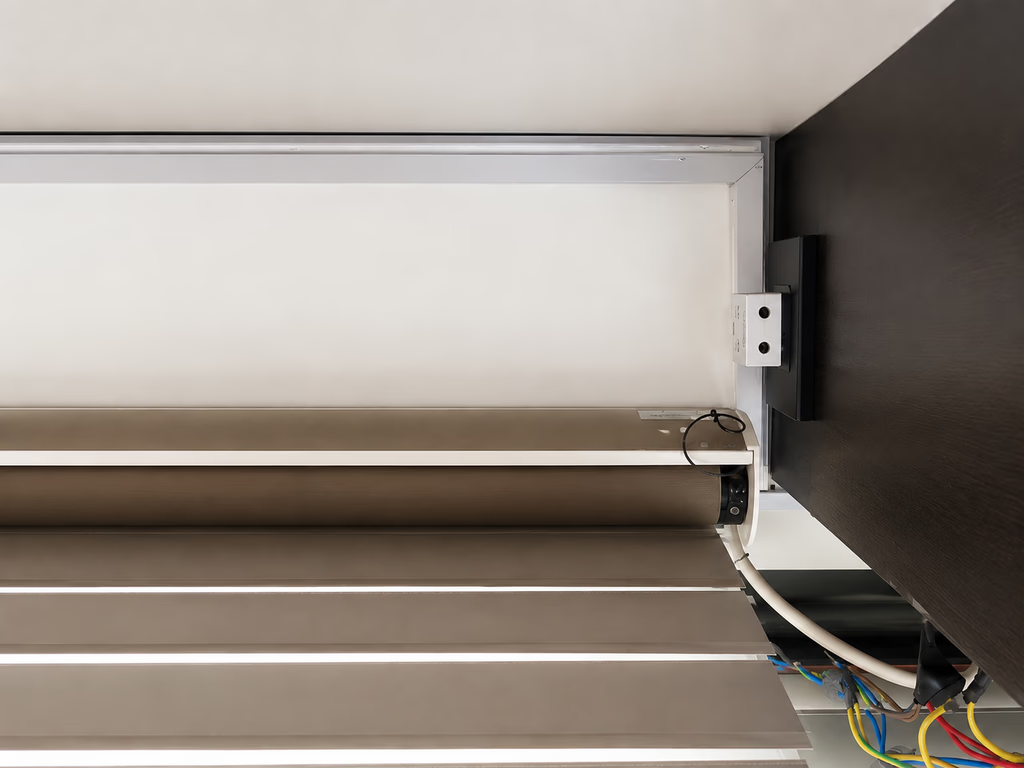
AHA's curtain motors are quiet, about 27dB, so you notice the room darken before you hear anything. They are two-way, so if someone nudges the curtain by hand the app and the keypad update to match. They open from the centre or stack to one side, and curved tracks fit a bay window.
In most homes the curtains you already have can be motorised on the same track. Our motorised versus manual guide covers when it is worth doing.
Roughly what a complete wireless system for a modern 3BHK in Mumbai costs, entertainment scenes included, from hardware to programming. Most of the entertainment part of that is the audio and the media room. The full room-by-room breakdown is in our 3BHK cost guide.
4. Can one control run the TV, projector, soundbar and AC?
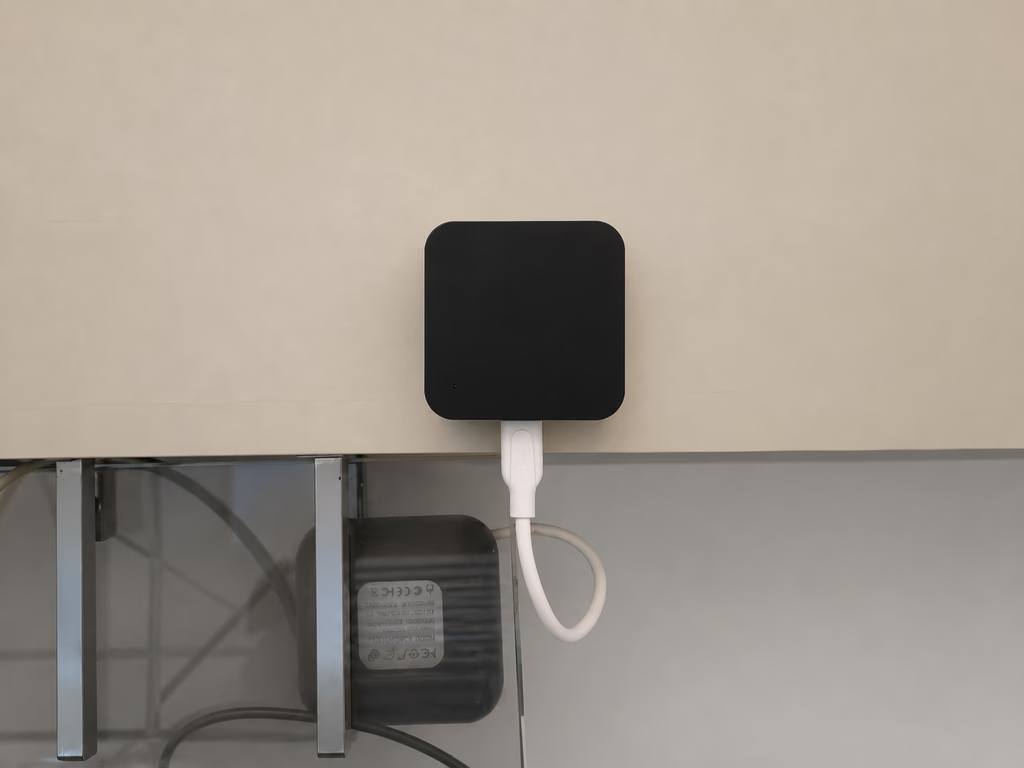
A drawer full of remotes is the sign of a setup that was never finished. An IR controller in the room learns your TV, set-top box, soundbar and AC, and one unit usually covers the whole room. It finds your AC model on its own. Ceiling fans use a separate controller that is quieter and uses much less power.
Your old remotes still work after this, as a backup. The system, the app and your voice become the main way to control everything.
5. How should the lighting change for the screen?
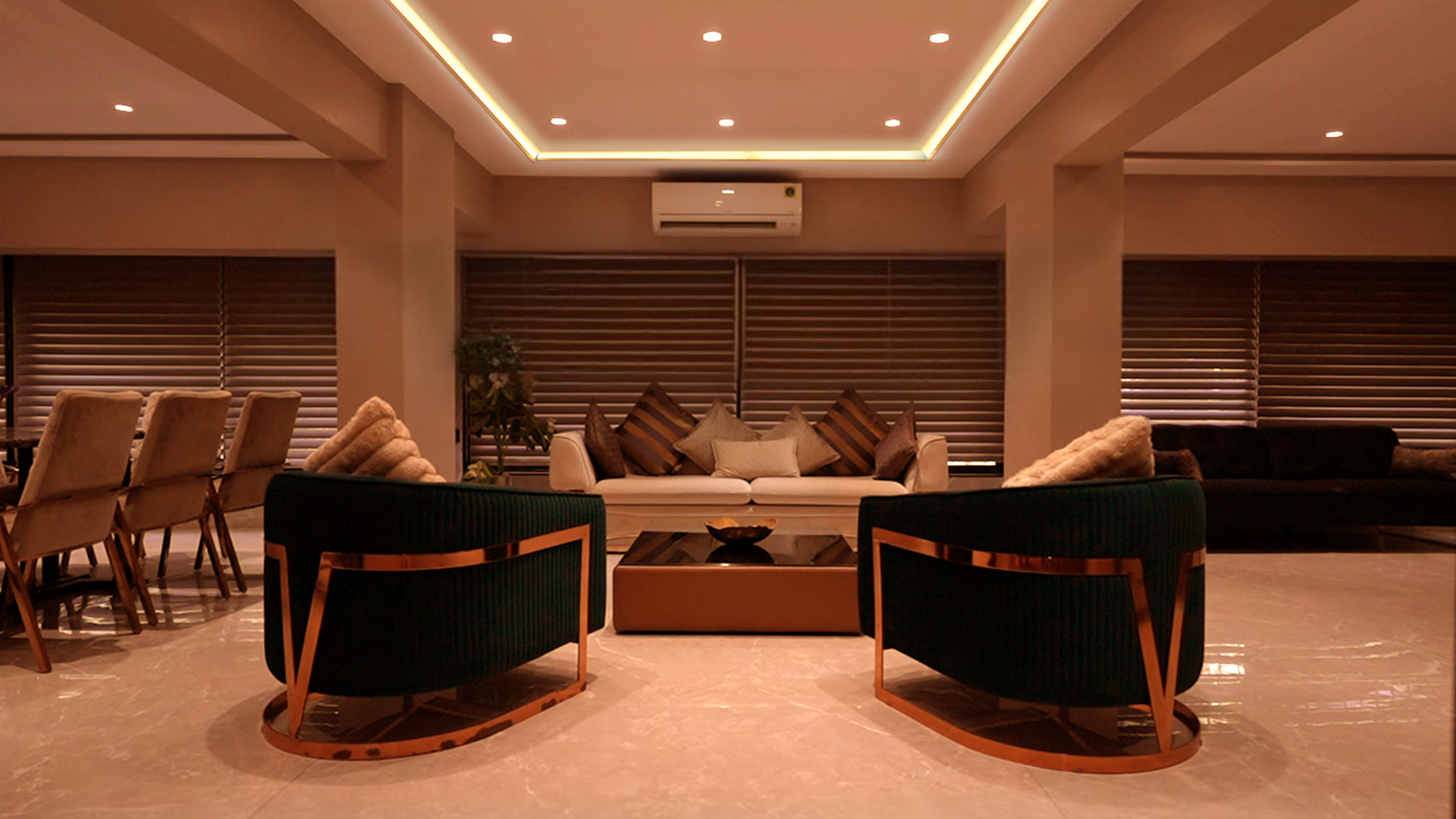
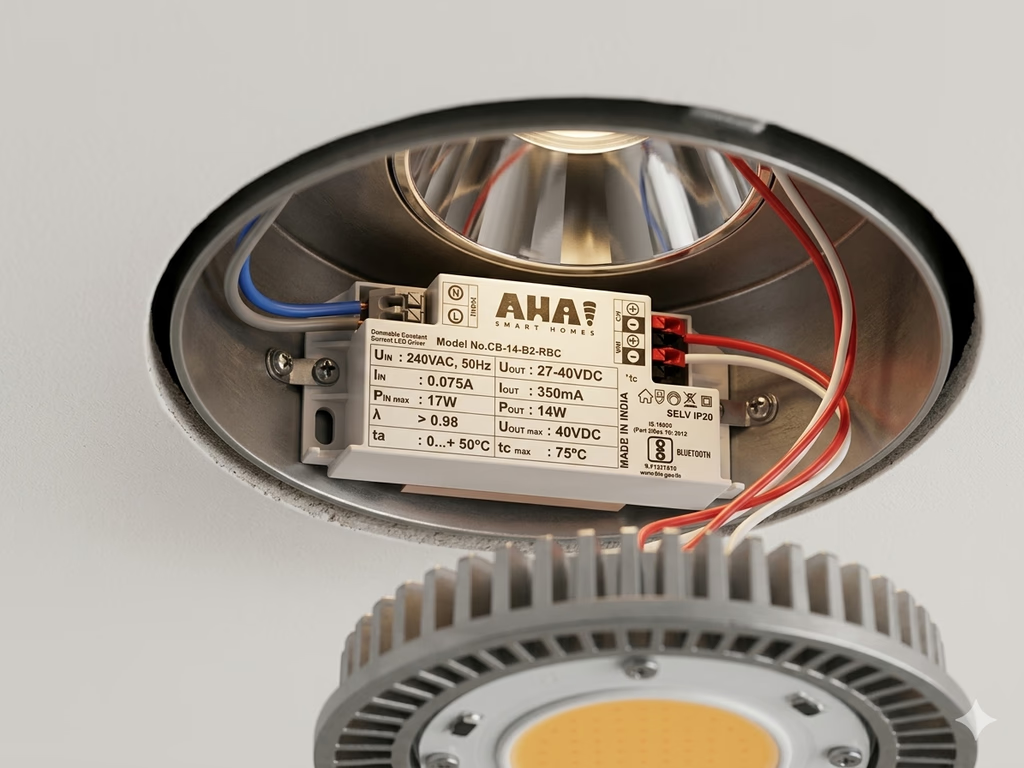
An overhead light left on during a film ruins it. AHA gives each lighting circuit its own driver instead of one dimmer for the whole room. So one scene can take the downlights to zero, hold the cove low and leave a table lamp on.
The drivers dim smoothly down to about 1 per cent with no flicker, and keep warm light warm as it dims. The room looks right while you watch, and comes back up to full, even light when you stop. Our living room automation guide shows how these scenes are built.
6. Can the lights follow the music?
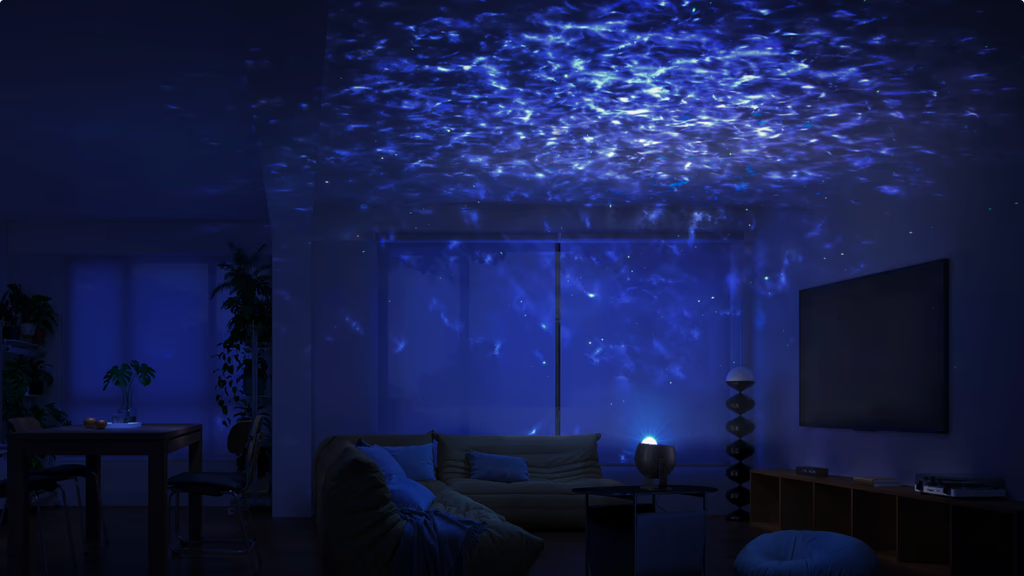
For a party, or a kids' room, the lights can turn any colour and follow the beat of whatever is playing over Bluetooth. Add the StarLight Projector and the ceiling fills with a slow-moving star field, the same effect as a fibre-optic star ceiling without running fibre.
This is the Party Time scene: colour lighting on, the projector on, the AC cooling then settling, the curtains closed. A kids' room scene is the same thing, sized to one room and switched from a single wall button.
7. Does it keep working without the internet?
Most people discover this one during an outage. AHA runs the automations on a hub inside the home, so the scenes, lights, curtains and wall switches all work with the router unplugged. What stops is remote access from outside, camera streaming, and voice, because voice runs in the cloud.
The devices talk to each other over Zigbee, which the Connectivity Standards Alliance describes as a "self-healing mesh network" that "eliminates single points of failure". Its newer standard, Matter, exists so that "devices from multiple brands work natively together".
Alexa, Google Home, Apple Home and Sonos all connect, for "play jazz in the living room" or "movie time". But they sit on top of a system that already works on its own. There is no SIM card, no subscription and no monthly fee, and app access is included for life.
What will a smart entertainment setup not fix?
- A poor room. Hard floors, bare walls and a sofa pushed against glass sound echoey whatever plays through them. Curtains and a rug do more for sound than any scene.
- Voice without the internet. The scenes, lights and curtains run locally, but Alexa, Google Home and Apple Home are cloud services and pause when the connection drops.
- A blocked view of the AC. The IR controller talks to the TV and AC by infrared, which needs a clear line of sight. Plan where it sits before the TV unit is built.
- Your streaming bills. The system starts the movie; the subscriptions behind it are still yours.
Why are these not seven separate purchases?
They are one system. The same hub, drivers and switches that run your lighting run the entertainment scenes too. You only pay for what you automate.
A sensible order: the movie scene and the curtains first, then audio in the rooms that matter, then colour and the projector if a room calls for it. Anything you add later joins the system as soon as it is powered on, with no rework.
Our smart home entertainment page walks through the full setup room by room.
What do people ask us next?
What makes an entertainment setup smart rather than just connected?
The pieces work together on a scene. One Movie tap moves the TV, curtains, lights and AC at once, from a wall switch, instead of four separate apps that each do one thing.
Do I need to replace my TV or speakers?
Not the TV, projector or soundbar. They join the system through an IR controller. Speakers are the one part where you might add hardware: ceiling pairs give even, hidden sound across a room, though an existing set can be used where it makes sense.
How much does a smart entertainment setup cost in Mumbai?
It depends on how many rooms get audio and whether there is a dedicated media room. As a guide, a living or media room with lighting, curtains and control comes to ₹1.5 lakh to ₹2 lakh, and a full system for a modern 3BHK is around ₹5 lakh. Multi-room audio is quoted per room on top of that. The full breakdown is in our cost guide.
Can I keep using Netflix, Spotify and my existing remotes?
Yes. Your streaming apps are untouched. You cast from your phone as usual, and the physical remotes keep working as a backup.
Does it work when the internet is down?
Yes. Scenes, lighting, curtains and the wall switches run on a hub inside the home. Only voice control, camera viewing and access from outside the home pause until the internet is back.
Can it be added to a finished apartment?
Yes. The system is wireless: the switch goes on the existing plate, with a neutral at that switch box, and the IR controller sits in the room. Speakers are the only part that might want a cable run, best planned before a ceiling goes in but possible to add after.
A smart entertainment setup is less about the screen and more about everything around it getting out of the way when you press play.
The fastest way to feel the difference is to sit through a scene. Theatre Mode and Party Time both run live at our experience centres in Santacruz West and Lower Parel, open 11am to 7pm (Santacruz West is closed on Tuesdays).
Book a free consultation →For the scenes themselves, Theatre Mode and Party Time show what the system is coordinating. Our smart home solutions page covers the lighting, curtain and climate layers that sit alongside the entertainment one.